

Why Does Your Team Forget the Process a Month After Training?
You know the feeling, if you have ever run a team.
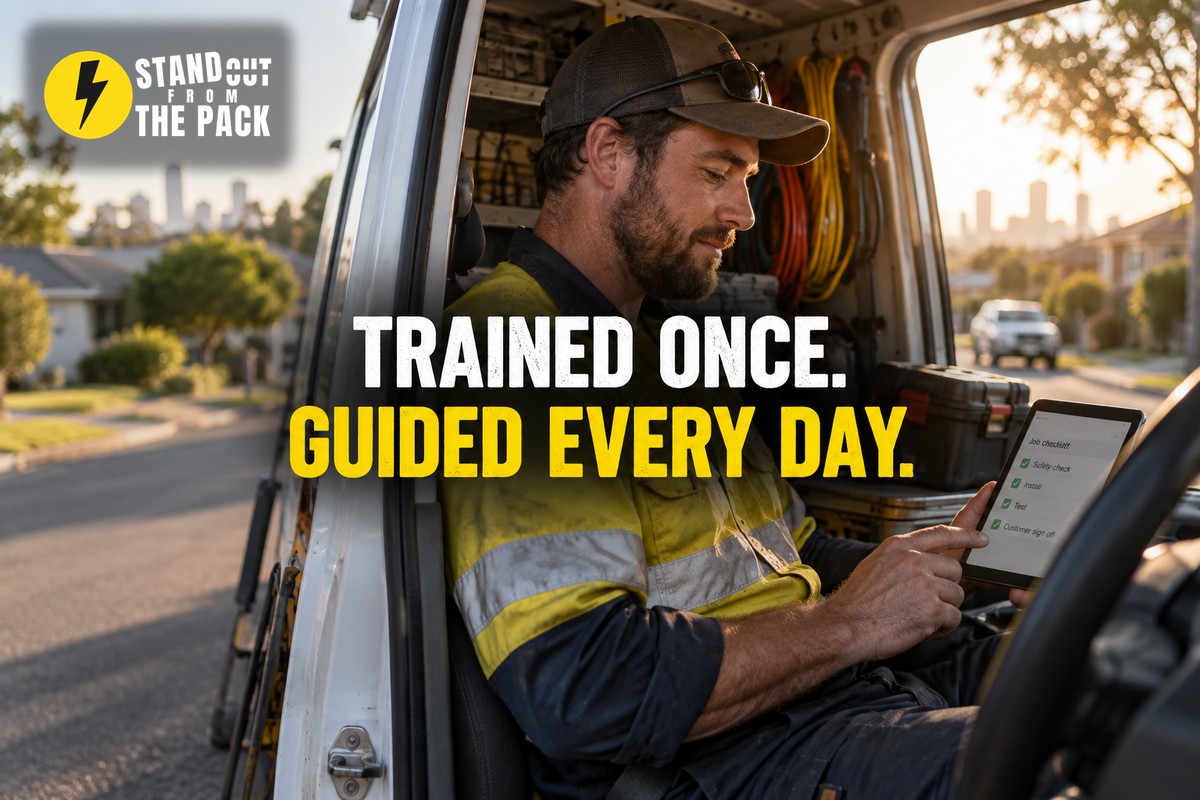
Picture an electrical business with six sparkies on the road. The owner has finally sorted out the job completion process. Before anyone leaves a site: photos of the finished work, test results recorded, the customer signs off, and the invoice goes out the same day. It is a good process. He explains it properly at the Monday toolbox meeting, with a printed one pager and a coffee for everyone. Heads nod. Questions answered. Done.
Week one is brilliant. Photos, test results, sign-offs, invoices the same afternoon.
Week three, a few jobs come back without photos. Someone was rushing to the next site. Someone else was not sure whether the photo rule applied to a quick fault-finding job, so he skipped it to be safe. The new apprentice who started in week two never saw the one pager at all, so he learned the process from whoever he was riding with that day.
Week six, the owner is chasing missing sign-offs on a Friday night and thinking "but we went through all of this".
And they did. Nobody ignored the training. The training just did what training does: it explained the process once, in a room, and then everyone went back to the real world, where questions turn up at 3pm on a roof and the one pager is sitting on the office desk.
Between us, this is one of the most common reasons a perfectly good process quietly falls apart. Not resistance. Not laziness. Just the gap between the meeting and the moment.
Why does a process fade after the training?
Because training happens once, and work happens every day.
Questions arrive after the meeting. Nobody knows what they do not know until the unusual job turns up. And when it does, the person who could answer is usually busy, or on another site, or asleep.
Memory fades fast. People remember the general idea of a process for a week or two. The detail, the "except when" and the "make sure you also", is gone much sooner.
New people learn the local version. Whoever trains the new starter passes on their own version, shortcuts included. A month later you have two processes, and in another month three. We wrote about how one process turns into several versions last week, and this is one of the main ways it happens.
Nothing in the work itself reminds them. If the process lives in a document and the work happens in the van, the process loses. Every time.
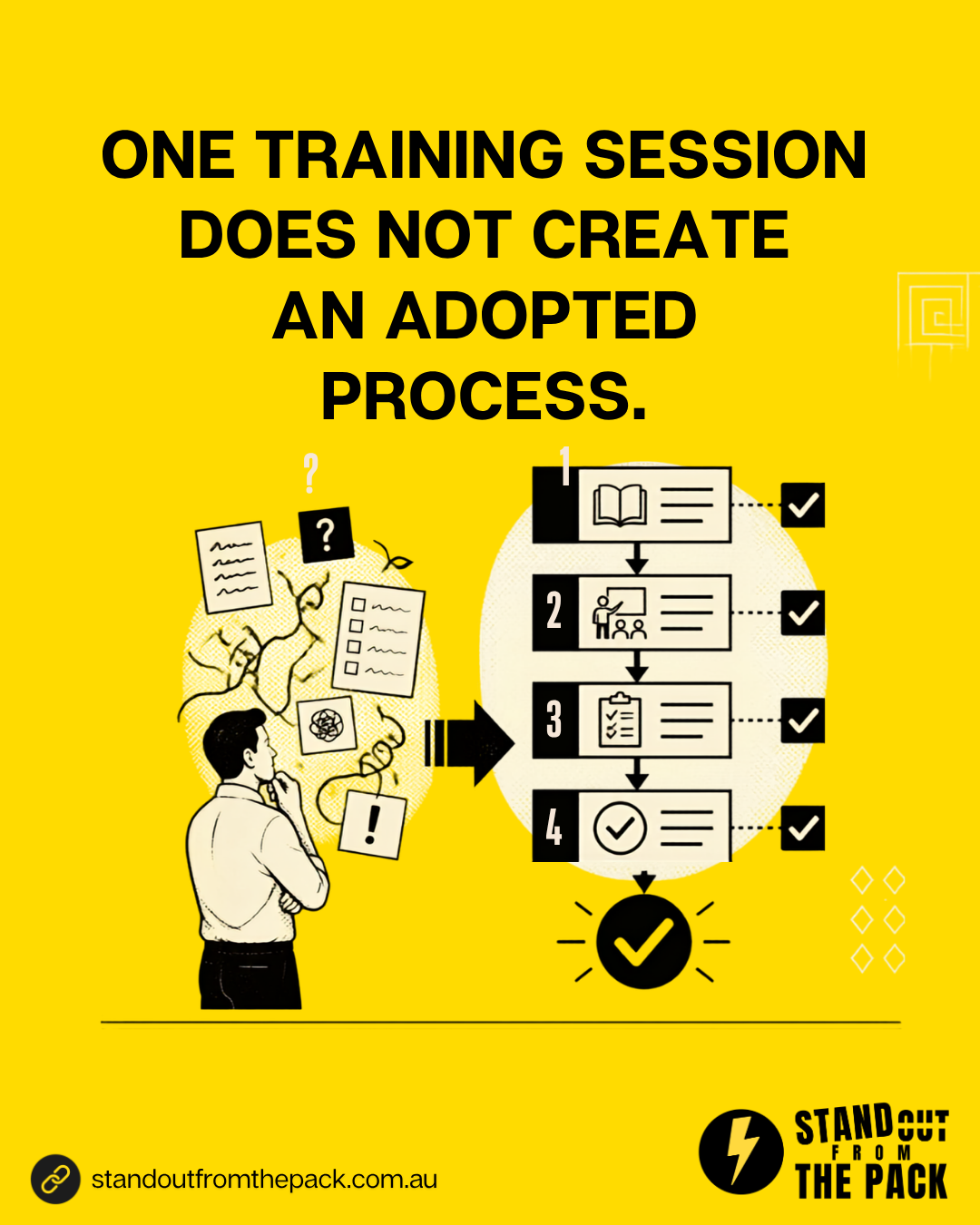
And this is why "let's do another training session" rarely fixes it. A refresher buys you another fortnight. What you actually need is a system that keeps teaching, quietly, every day.
How do you build a process your team keeps following?
The idea is simple: stop relying on people remembering the training, and let the system carry as much of it as possible. Six pieces.
1. Put the next step in front of people. When one task is finished, the next one appears, assigned to the right person, with a due date. Job marked complete? A task appears: upload photos and test results. Nobody has to remember the order, because the order is built in.
2. Have the templates ready where they are needed. The sign-off message, the completion email, the follow-up text. If they are already written and sitting one tap away, people use them. If they have to find them in a folder, they write their own version, and you are back to drift.
3. Prevent the common mistakes instead of reminding people about them. If jobs keep coming back without photos, put the photo into a short job completion form that cannot be submitted without it, and let that form move the job to "complete". A required field or an automatic check beats another reminder email every single time, because it works on the busiest day too.
4. Put the answers on tap. Most questions are not new. "Does the photo rule apply to small jobs?" has probably been asked three times already. Write the answers down once, and let your team ask an AI assistant trained on your own process notes, so they get an answer in seconds on the roof instead of interrupting a colleague, or guessing.
5. Let reminders say what is due, and for whom. A good reminder is specific: "Sign-off still missing for the Thompson job, completed yesterday." Not "please remember to do your paperwork". Specific reminders get done. General ones get ignored.
6. Watch where people struggle, then fix the system. Your system can show you which steps get skipped, which tasks run late and where workarounds appear. That is not about catching people out. It is the most honest feedback you will ever get on your process, and it tells you exactly what to fix next.
Put those together and training stops being an event. It becomes something the system does all day, for everyone, including the new apprentice who missed the meeting. (It also pairs well with our earlier piece on processes that hold up on a bad day, because the unusual job is exactly where training runs out.)
What usually goes wrong?
Too many required steps. If every field is mandatory, people start entering rubbish just to get past the screen. Require only what genuinely matters, usually the two or three things that cause problems when they are missed.
The AI assistant is trained on outdated notes. An assistant that confidently gives last year's answer is worse than no assistant. When the process changes, the notes change the same day.
Reminders turn into noise. Ten reminders a day and people stop reading any of them. Fewer, more specific reminders, sent to the person who can actually act on them.
The owner never looks at the data. The system shows that one step gets skipped on half of all jobs, and nobody notices for months. Put a short look at the numbers into a regular meeting, even fifteen minutes a fortnight.
The team is not told why. A required step with no explanation feels like red tape. One sentence of "here is why we need this" turns it into common sense.
Why is this better than the alternatives?
"We will run more training." Training is still valuable. It builds understanding and gives people the why. But it cannot be on the roof at 3pm when the question comes up. The system can.
"We have a detailed procedures manual." Useful for reference. But nobody reads a manual in the middle of a job. A process that guides people as they work beats a document that describes the process somewhere else.
"The senior team members will help the new ones." They will, and they are generous with it. They also pass on their own shortcuts, and every question they answer takes them away from their own work.
When the system carries the training, consistency stops depending on who was in the room that Monday. Every person gets the same guidance on every job, and when you improve the process, the improvement reaches everyone straight away.
How does this work inside Stand Out From The Pack?
Everything above is pipeline stages that create the next task, shared templates, required fields, specific reminders, an AI assistant you can train on your own content, and reporting that shows where work gets stuck. Every customer on every plan has those tools from day one. The difference is who sets them up.
- Do it yourself, with support. Every plan includes onboarding for the owner and the team, including a team training call, plus a knowledge base with 50 plus interactive guides, 24/7 live chat with real people and weekly Open Office Hours (all on our support page). Bring the process your team keeps forgetting to Office Hours and we will help you build the guidance into the system, live.
- Get the foundations done for you. Our done-for-you account setup gets your pipeline, team access and connected channels in place properly, so there is one solid system to guide the work.
- Have us build it. Task-driven processes, templates and reporting are built into the systems in our Profit Roadmap. A single job like "a job completion form with required photos" sits on our services menu, and anything bigger becomes a custom project.
However you get there, the result is a process your team follows on the busiest day of the month, not just the week after training.
What just happened behind the scenes of this article?
A short aside, because we should be the proof of what we preach.
Today's social post asked you to comment SYSTEM. When you do, an automation picks up your comment, sends you a direct message within a minute with this article, and opens a conversation in our inbox with your name and the topic attached.
Here is the bit that matters for this article. Nobody on our team has to remember how that process works. There is no checklist to dig out and no training to recall. When a reply comes in, it sits in the inbox with the history and the topic already there, so whoever picks it up knows exactly where the conversation is up to. The system does the remembering, so the person can do the talking.
It runs in our own account on the same platform our customers use, built the way any of them could build it, or have us build it for them.
A quick check for your own business
- Which process did you train the team on in the last six months, and is it still followed the same way?
- When someone has a question mid-job, where do they get the answer?
- Which mistake do you keep sending reminder emails about?
- How does a new starter learn your processes, and from whom?
- Can you see which steps get skipped most often?
Frequently asked questions
Does this mean we no longer need team training? No. Training gives people the why and the big picture. The system then supports them every day after it. You need both, and the system makes your training last longer.
Is an AI assistant safe to use for team questions? Yes, if it is trained only on your own up to date process notes and the team knows to check with a person for anything unusual or sensitive. Keep the notes current and review the answers now and then.
Will required fields slow my team down? A couple of well chosen required steps save far more time than they cost, because they prevent the rework. Just keep the list short and explain why each one is there.
Where should we start? With the process you have explained most often. If you keep repeating the same instructions, that is the process the system should be teaching instead of you.
Want your system to keep training your team long after the meeting is over? Comment SYSTEM on the post on Facebook or Instagram and we will take it from there.



Live, Practical, Zero Jargon
Short sessions on follow-up, systems and AI you can put to work the same afternoon. Get on the list and we'll tell you when the next one's on.
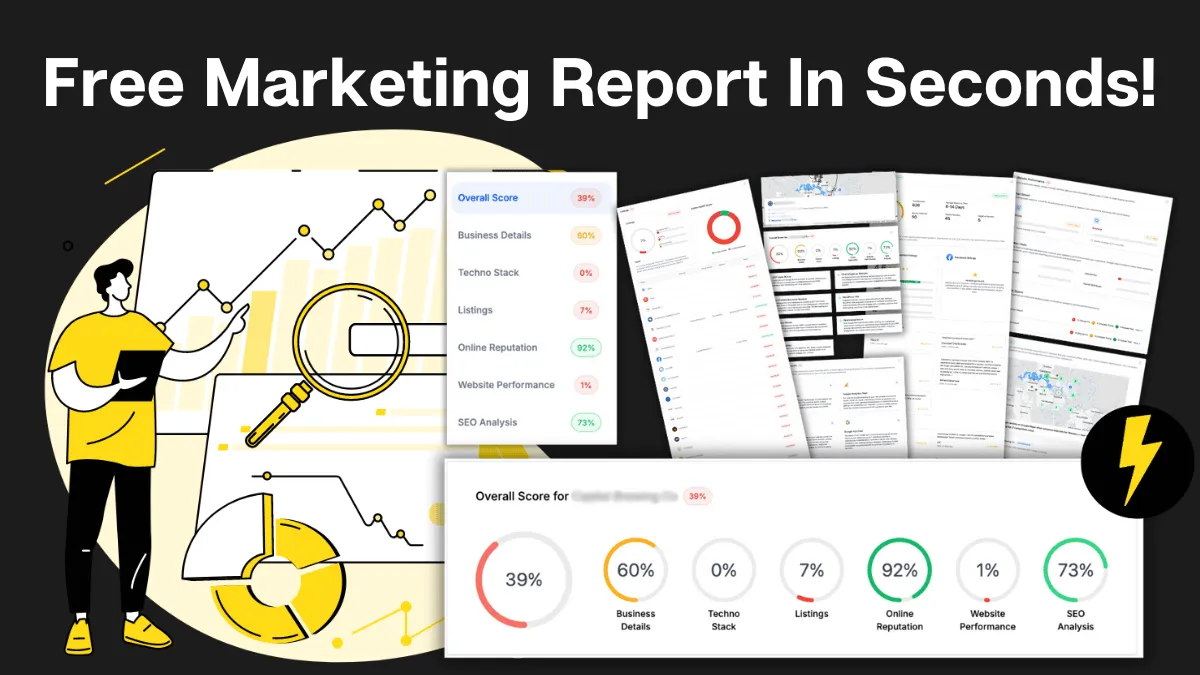
How Do You Stack Up Against the Business Down the Road?
See how you show up online next to competitors near you: reviews, listings, visibility. Free, and no homework required.

Supercharge Your Business!
Transform your business growth with our all-in-one sales and marketing software. Capture, nurture, and close more leads with ease. Don't miss out on the opportunity to streamline your operations and drive success.

See It Working Before You Talk to Anyone
Watch an enquiry get caught, answered and booked in without you glued to your phone. Your pace, no pressure.

Never miss an update from Business Booster Insights. Subscribe to our 'Level Up Newsletter' and get expert tips, strategies, and exclusive content delivered straight to your inbox. Elevate your business game today!

Your Clients Need Better Follow-Up. You Could Earn From It.
Accountants, coaches and consultants spot leaky businesses every day. Recommend the fix and earn ongoing commission.
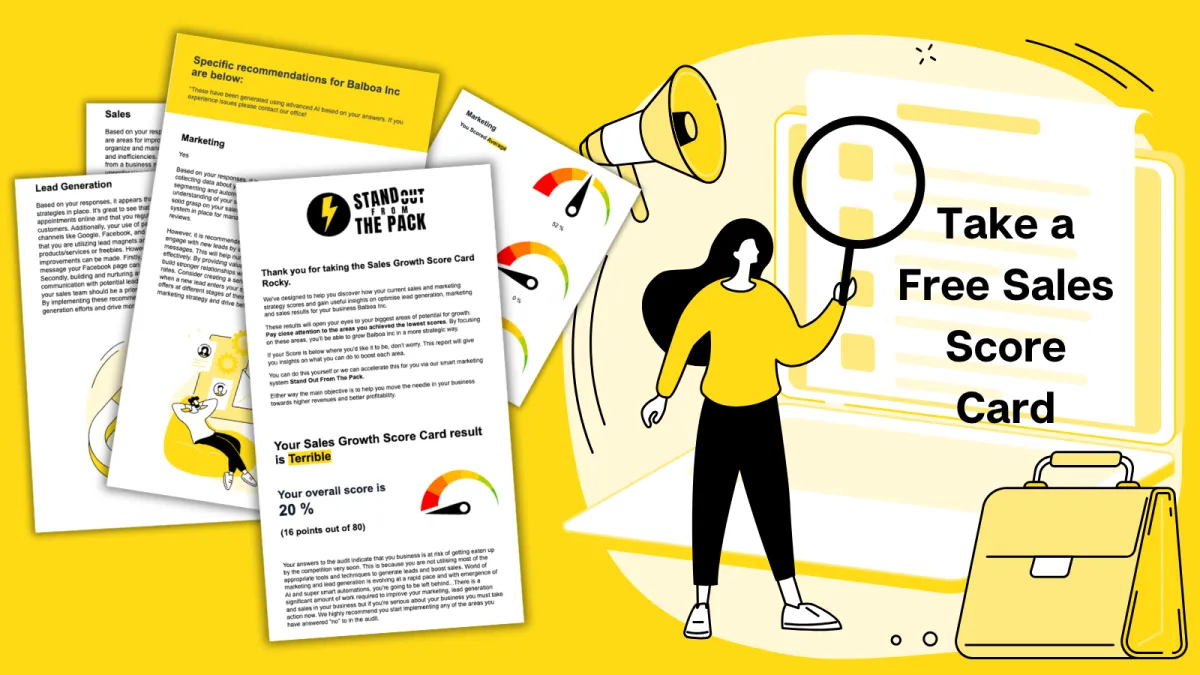
Where Are Your Enquiries Going Cold?
Answer a few quick questions and see exactly where leads slip between "just asking" and "let's book." Takes less time than your next coffee order.
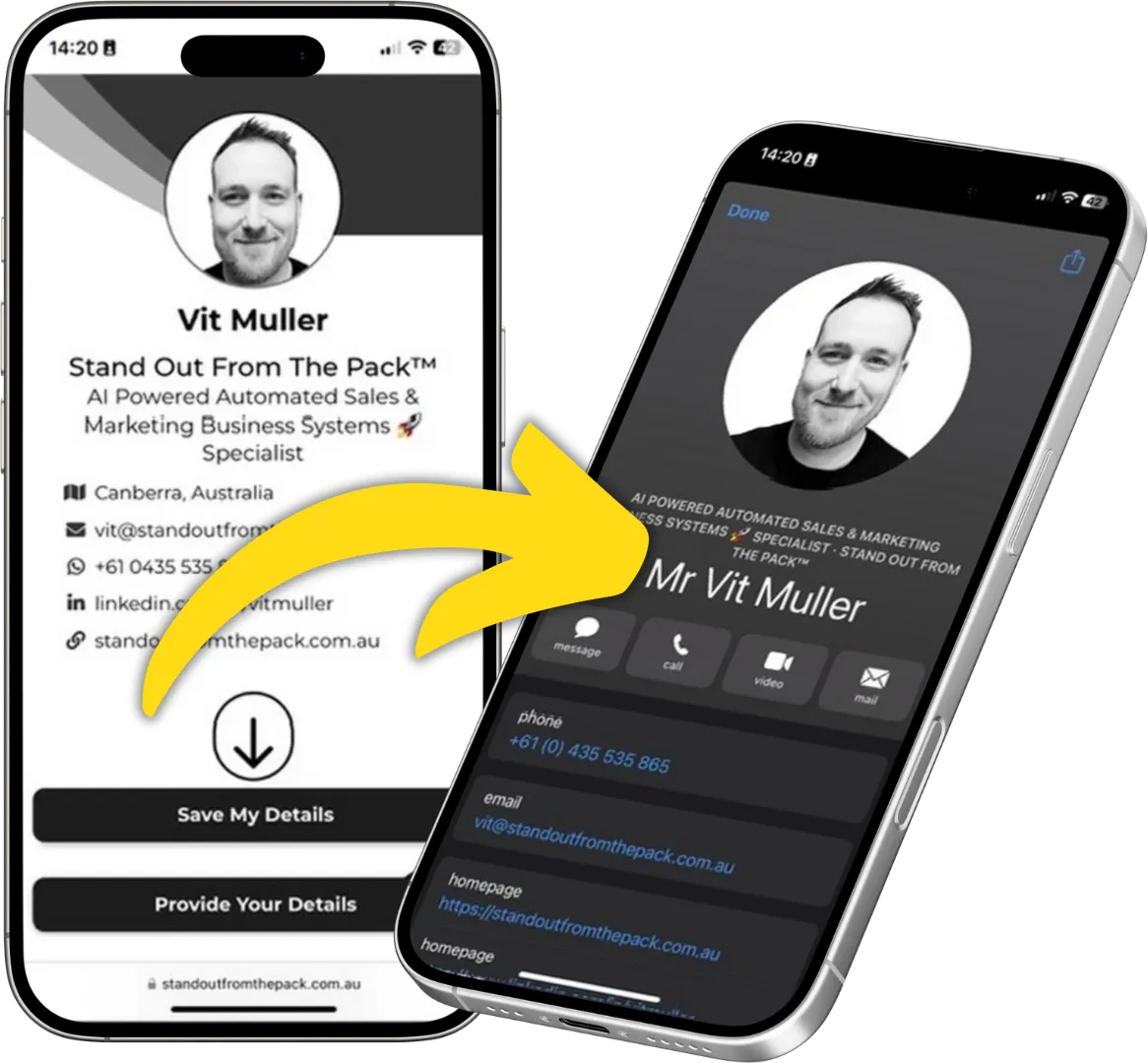
Still Handing Out Cards That End Up in the Wash?
Share your details in one tap so people can save you, call you or book you on the spot. Yours free.