


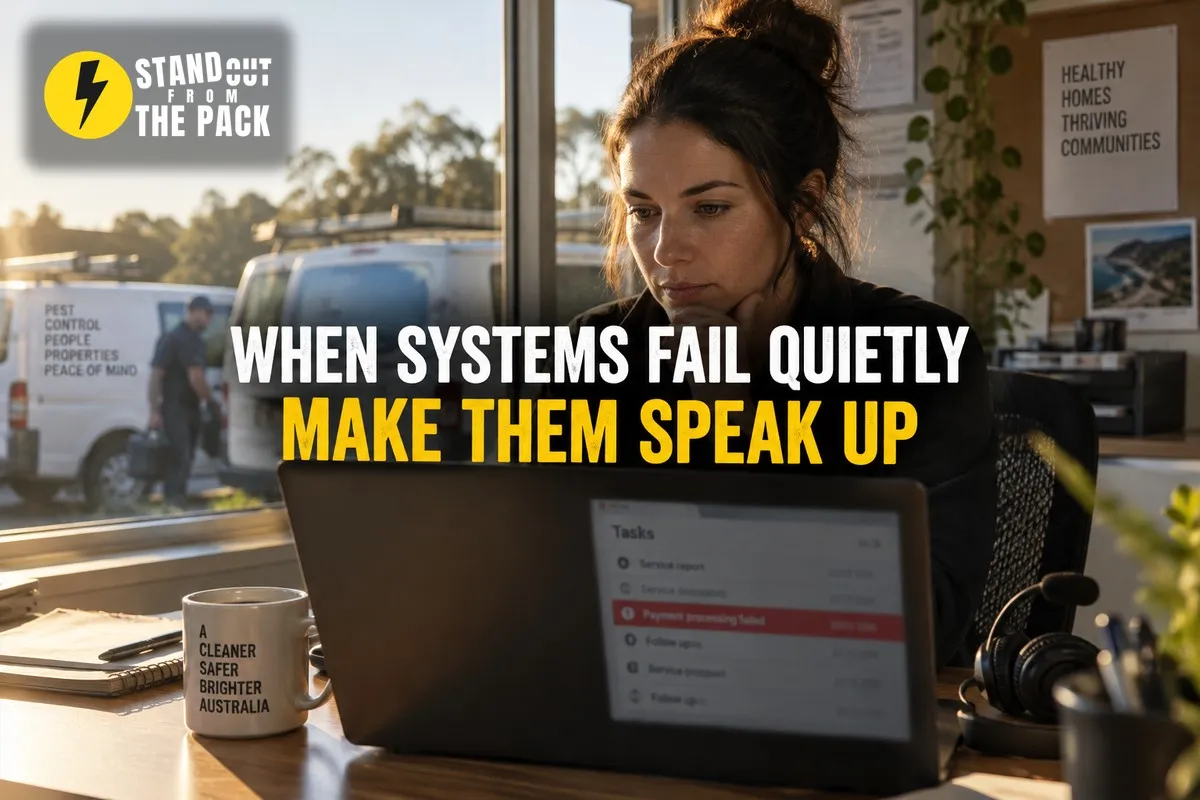
Your System Looks Busy. How Would You Know If It Had Stopped?
You know the feeling when you find out about a problem from the one person who should never have noticed it. The customer.
Picture a pest control business with five technicians and an office manager who keeps the whole thing humming. A while back they set up a lovely system. Website enquiries create a contact, the right tech gets assigned by suburb, the customer gets a confirmation, and the day before the visit a reminder goes out with what to expect. It worked so well that everyone stopped thinking about it. That was the whole point.
Then, one Tuesday, a long time customer rings. Slightly annoyed. She booked a termite inspection through the website ten days ago and has heard nothing.
The office manager goes looking. The enquiry is there. It arrived, it created the contact, and then it just.. sat. Unassigned. A few weeks earlier, when a new technician took over the northern suburbs, someone updated the roster but not the assignment rule. So every enquiry from those suburbs had been landing with nobody. Eleven of them. Ten customers just went somewhere else without saying a word.
Nothing crashed. No error popped up. The dashboard looked busy, because the other suburbs were working fine. The system was running, just not all of it.
Here is the thing. Most systems are built to do things. Very few are built to notice when they have stopped doing them.
Why do systems fail so quietly?
Because automation does exactly what you told it to, including nothing.
Small changes break things far away. A new staff member, a renamed field, a retired phone number, a form someone tidied up. Each change is sensible. But a rule somewhere else was depending on the old version, and it fails without a sound.
Nobody is watching what did not happen. It is easy to notice a wrong email that went out. It is almost impossible to notice the reminder that never went out, because there is nothing to look at. Absence does not show up on its own.
"Active" looks the same as "working". The automation is switched on, the pipeline has cards in it, messages are going out. From the outside, the system looks healthy, while one branch of it has quietly been failing for weeks.
Customers rarely tell you. For every customer who rings to ask what happened, several just move on. By the time you hear about it, the gap has usually been open for a while.
And this is why "set and forget" is half right. You can absolutely set it. But you cannot forget it unless the system is built to tap you on the shoulder when something goes wrong.
How do you build a system that watches itself?
Two halves: make failures visible, then make recovery fast. Six steps.
1. Decide what "on time" means for each key step. For every important moment, write down the expected timeframe. A new enquiry should be assigned within an hour. A quote should go out within two business days. A completed job should be invoiced the same day. You cannot spot a gap until you have defined what normal looks like.
2. Build a check for each one. If an enquiry is still unassigned after an hour, an alert goes to the office manager. If a task is overdue by a day, it is flagged to the owner of that task, and then to a manager if it is still sitting there. These are simple rules that watch for something that should have happened and did not.
3. Send the alert to a named person, not a group. "Someone should look at this" means nobody looks at it. Each alert goes to one person whose job is to act on it, with a backup if they are away.
4. Write the recovery steps before you need them. When an alert fires, what happens next? Reassign the task to whoever is available. Send the affected customer an update from a ready-made template with an apology and a new timeframe, so it goes out within minutes instead of whenever someone finds the right words. The person's job becomes the decision, not the admin around it.
5. Log the cause against the record. Every time something slips, record why in a simple field. Roster change, missing information, staff away. After a month, the pattern tells you which part of the process actually needs fixing, rather than which part someone complains about loudest.
6. Look at a weekly health check. One short view of what ran, what did not and where records are stuck. Enquiries without an owner, overdue tasks, jobs sitting in one stage too long. Ten minutes a week, and nobody has to remember to go digging, because the check is built in.
The thread through all six: the system does not only perform actions, it tells you when an action did not happen.
What usually goes wrong?
Too many alerts. If every small thing pings someone, the team learns to ignore the pings, and then the important one gets ignored too. Start with the three or four moments that would hurt a customer most.
Alerts with no owner. An alert that goes to a shared inbox is just another notification. Without a named owner, it becomes background noise.
No recovery plan. Knowing that something broke is only half the job. If the team has to work out the fix from scratch every time, recovery is slow and inconsistent.
Fixing the symptom, not the cause. Reassigning eleven lost enquiries is good. Updating the assignment rule so it does not happen again is better. That is what the cause log is for.
Nobody reviews the health check. A weekly summary nobody opens is as useful as a chocolate teapot. Put it in someone's calendar and make it part of an existing meeting.
Why is this better than the alternatives?
"We will notice if something breaks." You will notice the loud failures. The quiet ones, the reminder that never sent, the enquiry nobody owned, usually show up through a disappointed customer or a dip in revenue weeks later.
"We will audit the system every few months." Audits are useful, and between us, they rarely happen on schedule. And a problem that starts the day after an audit has months to do damage. A built-in check catches it in an hour.
"Our team is careful." I am sure they are. But careful people cannot see what did not happen. Monitoring is not about doubting your team. It is about giving them a system that points at the exact thing that needs their attention.
The payoff: fewer customers who fall through the cracks, faster recovery when something does go wrong, and a team that trusts the system because it is honest about its own gaps. We covered processes that hold up on a bad day a few weeks back, and this is the other side of that coin: knowing when the bad day has arrived.
How does this work inside Stand Out From The Pack?
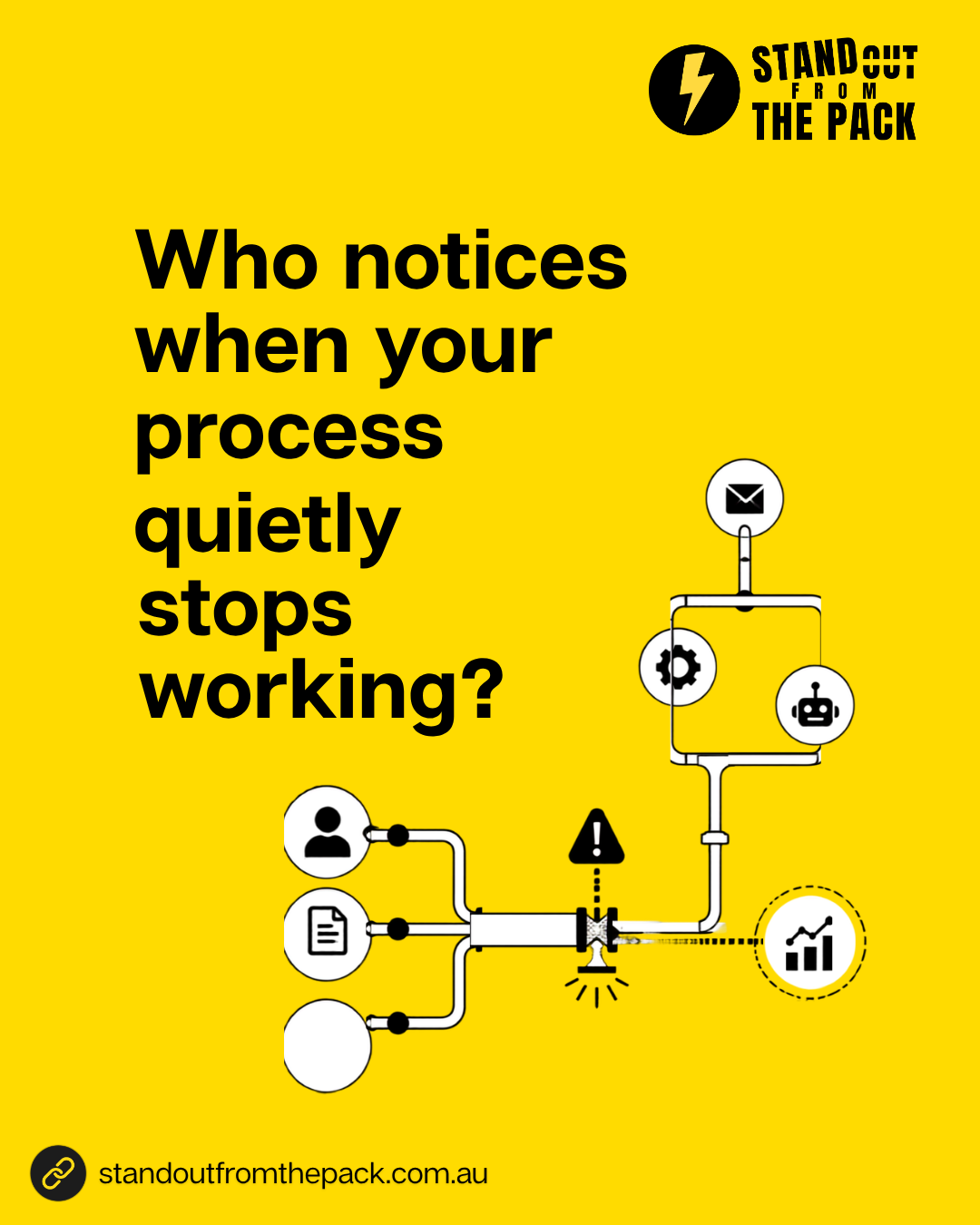
Everything above is workflows with time delays and conditions that check whether a step has happened, internal notifications and tasks for the named owner, message templates for customer updates, a custom field for the cause, and dashboards that show unassigned contacts, overdue tasks and stuck pipeline stages. Every customer on every plan has those tools from day one. The only question is who sets them up.
- Do it yourself, with support. Every plan includes onboarding for the owner and the team, a knowledge base with 50 plus interactive guides, 24/7 live chat with real people and weekly Open Office Hours (all on our support page). Bring your three most important process steps to Office Hours and we will help you build the checks, live.
- Get the foundations done for you. Our done-for-you account setup connects your phone number, email and inbox properly, so alerts and customer updates actually arrive.
- Have us build it. Monitoring and recovery steps are part of the systems in our Profit Roadmap. A single job like "alert us when an enquiry is unassigned for an hour" sits on our services menu, and a full health check across several teams becomes a custom project.
If your team tends to spot the problems before the system does, our piece on feedback loops that make process friction visible is a good companion read.
What just happened behind the scenes of this article?
A short, slightly honest aside.
Today's social post asked you to comment SYSTEM. When you do, an automation picks up the comment and sends you a direct message within a minute with this article. That part you can see.
The part you cannot see is the question this article is really about: how would we know if it stopped? Comment automations fail quietly too. A post goes out with a slightly different keyword, a reply gets filtered, a connection drops. If we only ever looked at the comments that got a reply, we would never notice the ones that slipped through, so the conversations land in one shared inbox where a missing reply is easy to spot. It runs in our own account on the same platform our customers use, built the way any of them could build it, or have us build it for them.
A quick check for your own business
- Which three steps in your process would hurt a customer most if they silently stopped?
- Do you know the expected timeframe for each of those steps?
- If one of them failed today, how long until someone noticed?
- When something does go wrong, is there a written recovery step and a ready customer update?
- Who reviews what your system did, and did not do, each week?
Frequently asked questions
Does monitoring mean more notifications for my team? It should mean fewer, better ones. Start with a few checks on the moments that matter most, each going to one named person, rather than alerting on everything.
How do we know what to monitor first? Follow the customer. Look for the steps where a miss would leave a customer waiting or confused: assigning new enquiries, sending quotes, confirming bookings and following up after a job.
Can the recovery be automated too? Much of it can. Reassigning a task, sending a templated update and logging the cause can all happen automatically. The decision about anything unusual should stay with a person.
Is this only for bigger businesses? Not at all. A small team has less spare capacity to catch problems by accident, so a few built-in checks often matter even more.
Want to see how a self-checking process could work in your business? Comment SYSTEM on the post on Facebook or Instagram and we will take it from there.




Live, Practical, Zero Jargon
Short sessions on follow-up, systems and AI you can put to work the same afternoon. Get on the list and we'll tell you when the next one's on.
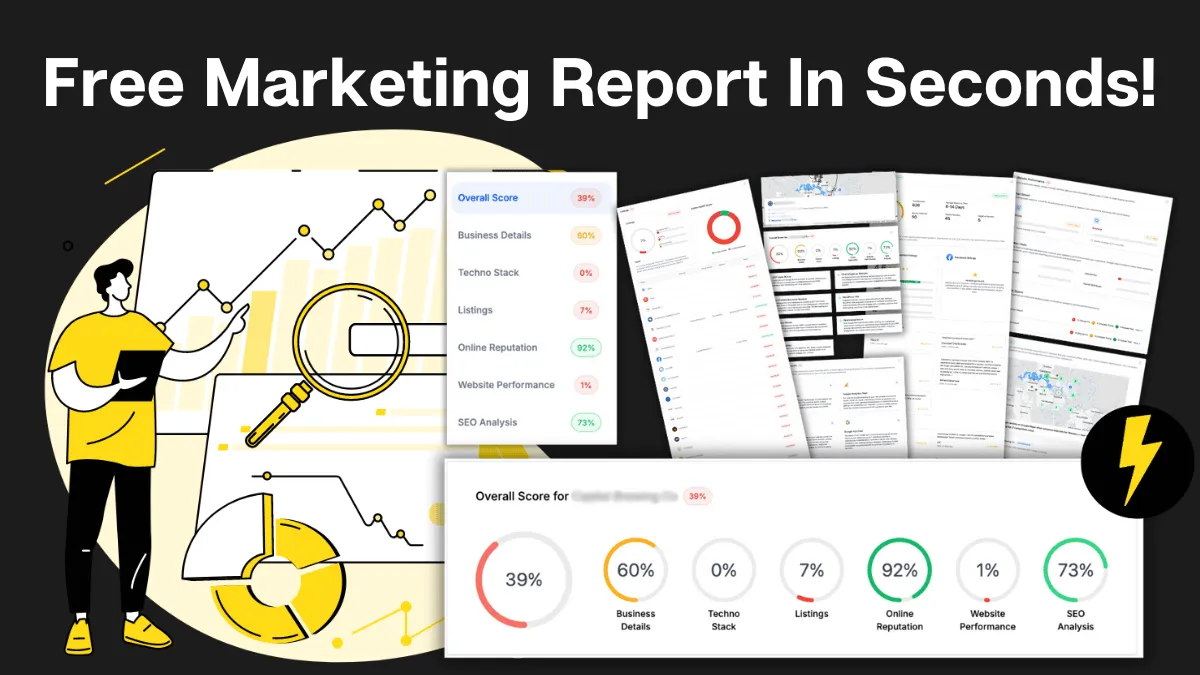
How Do You Stack Up Against the Business Down the Road?
See how you show up online next to competitors near you: reviews, listings, visibility. Free, and no homework required.

Supercharge Your Business!
Transform your business growth with our all-in-one sales and marketing software. Capture, nurture, and close more leads with ease. Don't miss out on the opportunity to streamline your operations and drive success.

See It Working Before You Talk to Anyone
Watch an enquiry get caught, answered and booked in without you glued to your phone. Your pace, no pressure.

Never miss an update from Business Booster Insights. Subscribe to our 'Level Up Newsletter' and get expert tips, strategies, and exclusive content delivered straight to your inbox. Elevate your business game today!

Your Clients Need Better Follow-Up. You Could Earn From It.
Accountants, coaches and consultants spot leaky businesses every day. Recommend the fix and earn ongoing commission.

Where Are Your Enquiries Going Cold?
Answer a few quick questions and see exactly where leads slip between "just asking" and "let's book." Takes less time than your next coffee order.
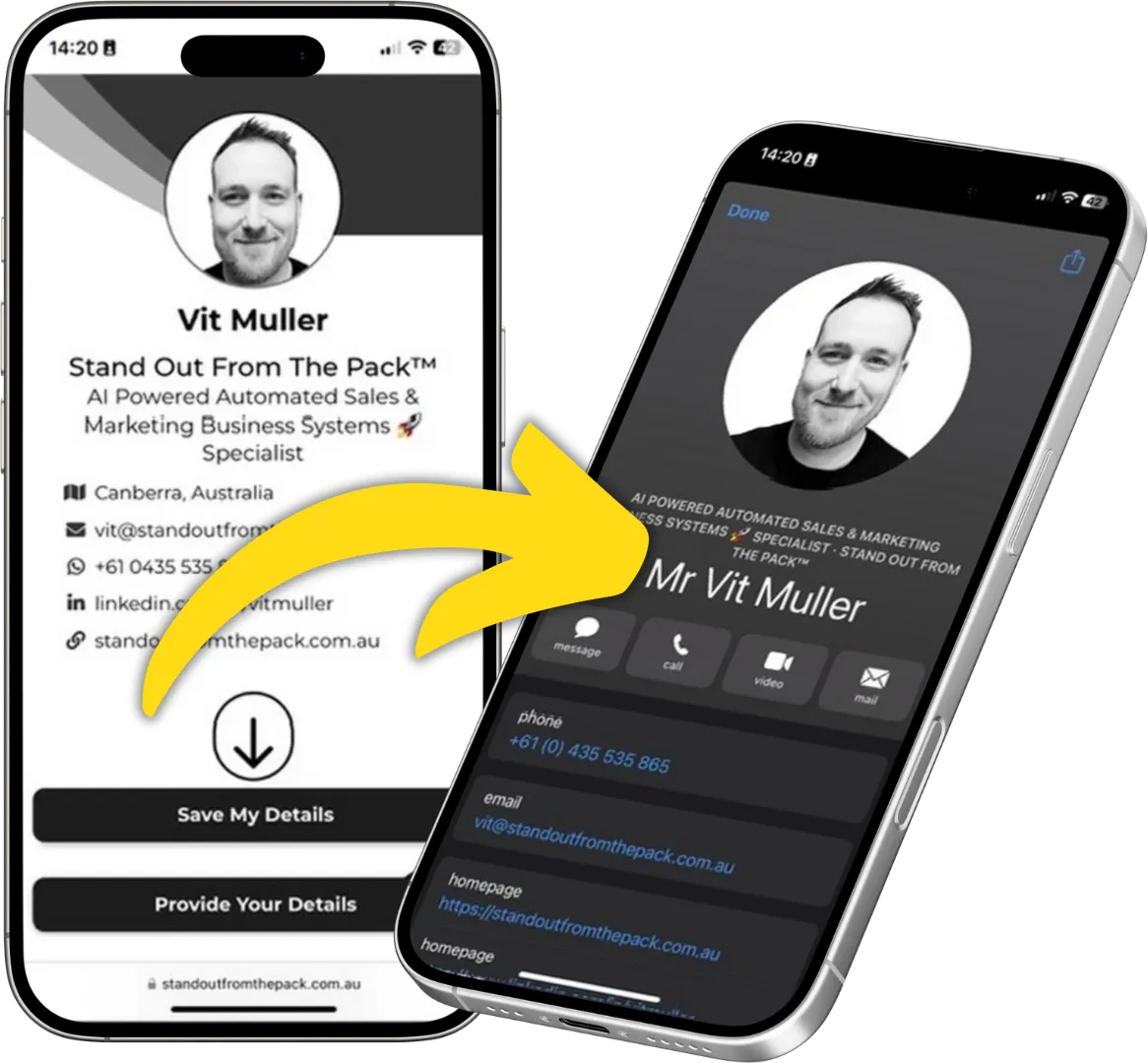
Still Handing Out Cards That End Up in the Wash?
Share your details in one tap so people can save you, call you or book you on the spot. Yours free.