



How Many of Your Automations Are Still Doing Anything Useful?
I keep noticing the same thing when a business has been automating for a couple of years. Nobody is quite sure what is running any more.
Picture a martial arts studio with around 180 members, two locations and a busy front desk. Three years ago the owner set up a welcome message for new trial students. Brilliant. Then a reminder for missed classes. Then a birthday message. Then a "we miss you" for members who had not trained in a fortnight. Then a grading reminder, a holiday timetable message, a second welcome for the new kids program, and a special one for the time the car park was being resurfaced.
Each one made perfect sense on the day it was built.
Fast forward to now. A new parent books a trial class for her eight year old and receives two welcome messages within ten minutes, with slightly different class times in each. A member who just paid for a twelve month upgrade gets a "we miss you, come back" text because he was away for two weeks. And somewhere in the background, a message about the car park still goes out to anyone who books on a Saturday. The resurfacing finished in 2024.
The owner only finds out when the parent asks at the front desk, "Which time is right?"
And here is the thing. None of those automations broke. They all did exactly what they were told. The problem is that nobody ever told any of them to stop.
Why do automations pile up over time?
Because adding an automation feels like progress, and removing one feels like risk.
Every new situation gets its own fix. A customer complains, a new service launches, a one-off event happens. The quickest response is a new rule or reminder. Nobody goes back to check whether an existing one could have been adjusted instead.
Nobody remembers why it was built. The person who set it up has moved on, or it was built in a hurry on a Friday afternoon. Without a note explaining what it is for, everyone is too nervous to switch it off. "What if it is doing something important?"
Overlaps are invisible from the inside. You see each automation on its own. The customer sees all of them at once, in their inbox, on the same day. Duplicates only become obvious from the customer's side.
There is no regular review. Automations get built, tested once and forgotten. They are treated like furniture rather than like a team member whose performance you would naturally check in on.
And this is why automation can quietly make the customer experience worse. More messages, more mixed signals, and a team that has stopped trusting the system because they never know what it has already sent.
How do you simplify and maintain your automations?
Think of it as a spring clean followed by a regular check-up. Six steps.
1. List everything that is running. Every automation, sequence, reminder and rule that is switched on. For each one, write a single line: what triggers it, what it does and why it exists. If nobody can explain why it exists, that is your first clue.
2. Check which ones are actually firing. Look at the last three months. Which ones run every week and get results (replies, bookings, payments)? Which ones have not triggered at all? Anything that has not fired in months is either solving a problem that no longer exists, or broken. Both deserve a look.
3. Find the duplicates and the overlaps. Look for two automations that send the customer almost the same message, or fire from the same trigger. The double welcome message is the classic. Merge them into one, keep the better wording, and switch the other off.
4. Retire what nobody needs, carefully. Do not delete straight away. Switch it off, add a note with the date and the reason, and wait a few weeks. If nobody notices, you can remove it for good. If something does break, you know exactly what to switch back on.
5. Tighten the ones that matter. Your best performers deserve some love. Check the wording still sounds like you, the timing still makes sense and the conditions exclude the right people (no "we miss you" texts to members who just upgraded).
6. Review against real numbers, regularly. Once a month, look at what ran and what it produced. Where are records stalling? Which tasks keep getting completed late? Then look for the manual workarounds: every spreadsheet on the side, every reminder set by hand, every message typed from memory. Each one is a step the system should probably be doing.
The thread through all six: the goal is not to automate everything. It is to have a small set of automations you trust completely.
What usually goes wrong?
Deleting first, asking questions later. One enthusiastic clean-up can switch off something that quietly mattered, like the payment failure reminder. Pause before you delete, and keep the note.
Reviewing only the automations, not the outcomes. A list of what is switched on tells you very little. The question is what each one produced. A message that goes out 200 times a month and gets zero replies is not working, however tidy it looks.
Nobody owns the review. "We should look at our automations" is a wish, not a plan. Put it in one person's calendar, once a month, with a short checklist.
Rebuilding everything from scratch. The temptation after a messy audit is to tear it all down. Usually two or three strong automations are doing most of the work. Keep them, fix the gaps around them, and resist the urge to start over.
Ignoring the team's workarounds. If someone keeps their own spreadsheet "just to be sure", the system is not doing something they need. That spreadsheet is the most useful feedback you will get all month.
Why is this better than the alternatives?
"If it is not broken, leave it alone." Every automation is working, technically. That does not mean the customer is getting a clear, sensible experience. "Not broken" and "still useful" are different tests.
"We will just add another rule to stop the clash." Then you have a rule to manage a rule, and the tangle gets worse. Fixing the overlap at the source is always simpler in the long run.
"Automation should be set and forget." I love automation, truly. But set and forget is how you end up texting people about a car park that was finished years ago. Set, review and improve is what keeps it reliable.
The payoff: fewer mixed messages, a team that trusts what the system sends, and more of the routine work moving off people's plates every month. A few weeks ago we wrote about building systems that flag their own failures. A regular review is the other half: catching the automations that work perfectly and are no longer needed.
How does this work inside Stand Out From The Pack?
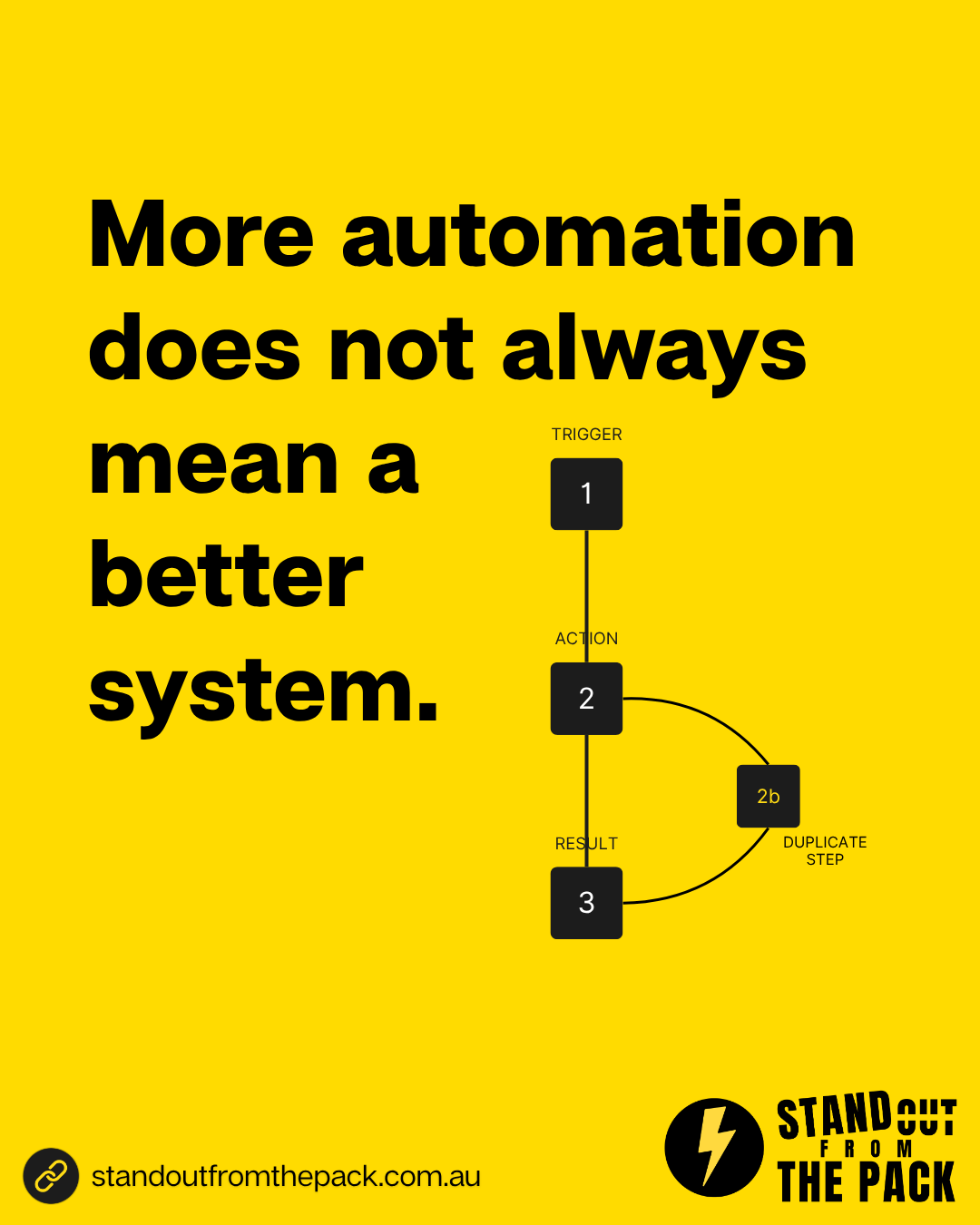
Everything above can be done with tools that are already in your account: one list of all your automations showing which are switched on, a history for each one of who went through it and when, folders and notes so everyone knows what each automation is for, reporting on bookings and pipeline stages, and a recurring task to make sure the monthly review actually happens. Every customer on every plan has those tools from day one. The only question is who does the work.
- Do it yourself, with support. Every plan includes onboarding for the owner and the team, a knowledge base with 50 plus interactive guides, 24/7 live chat with real people and weekly Open Office Hours (all on our support page). Bring your list of automations to Office Hours and we will help you work out what to keep, merge and retire, live.
- Get the foundations done for you. Our done-for-you account setup connects your phone number, email and inbox properly, so the automations you keep reach people and replies land in one place.
- Have us build it. A clean, reliable set of core automations is part of every Profit Roadmap system. A single job like "audit and tidy up our automations" sits on our services menu, and a full rebuild across several services becomes a custom project.
If you are about to add a brand new process rather than tidy old ones, our piece on piloting new processes before rolling them out is the place to start.
What just happened behind the scenes of this article?
A small example of keeping things simple on purpose.
Today's social post asked you to comment SYSTEM. When you did, an automation picked up the comment and, within a minute, Alfie (Vit's AI sidekick) sent you a direct message with this article.
Here is the bit that matters for today's topic. Every keyword in our weekly rhythm (LEADS, JOURNEY, SYSTEM and the rest) follows the same pattern: comment, message, article. One pattern, repeated, rather than a separate tangle of rules for every topic. Which means when something needs adjusting, there is one place to look and one thing to fix.
It runs in our own account on the same platform our customers use, built the way any of them could build it, or have us build it for them.
A quick check for your own business
- Could you list every automation running in your business right now, and what each one is for?
- Do you know which of them have not fired in the last three months?
- Could a customer receive two almost identical messages from you on the same day?
- Does anyone review what your automations actually produce, at least once a month?
- Is anyone on your team keeping a spreadsheet or reminder on the side "just to be sure"?
Frequently asked questions
How often should we review our automations? A quick monthly check of what ran and what it produced is plenty for most small businesses, with a deeper clean-up once or twice a year.
Is it safe to switch automations off? Yes, if you pause rather than delete. Add a note with the date and reason, wait a few weeks and only remove it once you are sure nothing depended on it.
How many automations should a small business have? There is no magic number. A handful of reliable automations covering enquiries, bookings, reminders and follow-up usually does most of the work. Quality beats quantity every time.
Who should own the review? One named person, usually whoever manages operations or the CRM day to day. They do not need to be technical. They need the list, the numbers and an hour a month.
Want to see what a simpler, more reliable set of automations could look like in your business? Comment SYSTEM on the post on Facebook or Instagram and we will take it from there.




Live, Practical, Zero Jargon
Short sessions on follow-up, systems and AI you can put to work the same afternoon. Get on the list and we'll tell you when the next one's on.
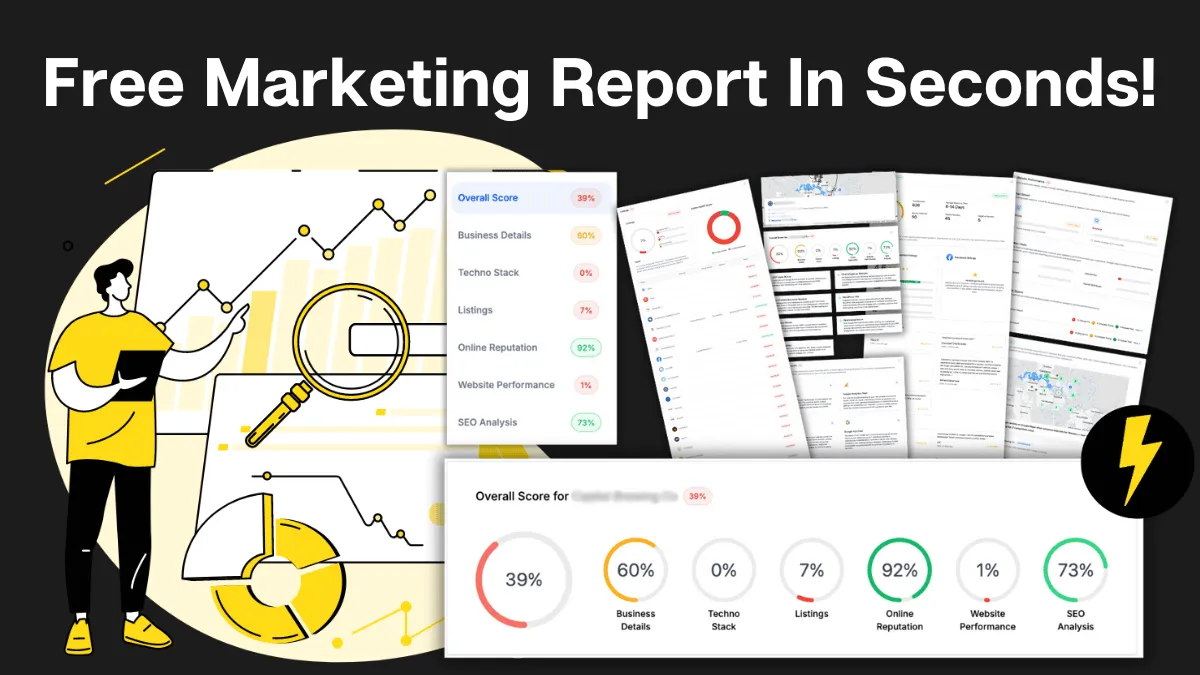
How Do You Stack Up Against the Business Down the Road?
See how you show up online next to competitors near you: reviews, listings, visibility. Free, and no homework required.

Supercharge Your Business!
Transform your business growth with our all-in-one sales and marketing software. Capture, nurture, and close more leads with ease. Don't miss out on the opportunity to streamline your operations and drive success.

See It Working Before You Talk to Anyone
Watch an enquiry get caught, answered and booked in without you glued to your phone. Your pace, no pressure.

Never miss an update from Business Booster Insights. Subscribe to our 'Level Up Newsletter' and get expert tips, strategies, and exclusive content delivered straight to your inbox. Elevate your business game today!

Your Clients Need Better Follow-Up. You Could Earn From It.
Accountants, coaches and consultants spot leaky businesses every day. Recommend the fix and earn ongoing commission.

Where Are Your Enquiries Going Cold?
Answer a few quick questions and see exactly where leads slip between "just asking" and "let's book." Takes less time than your next coffee order.
Still Handing Out Cards That End Up in the Wash?
Share your details in one tap so people can save you, call you or book you on the spot. Yours free.