


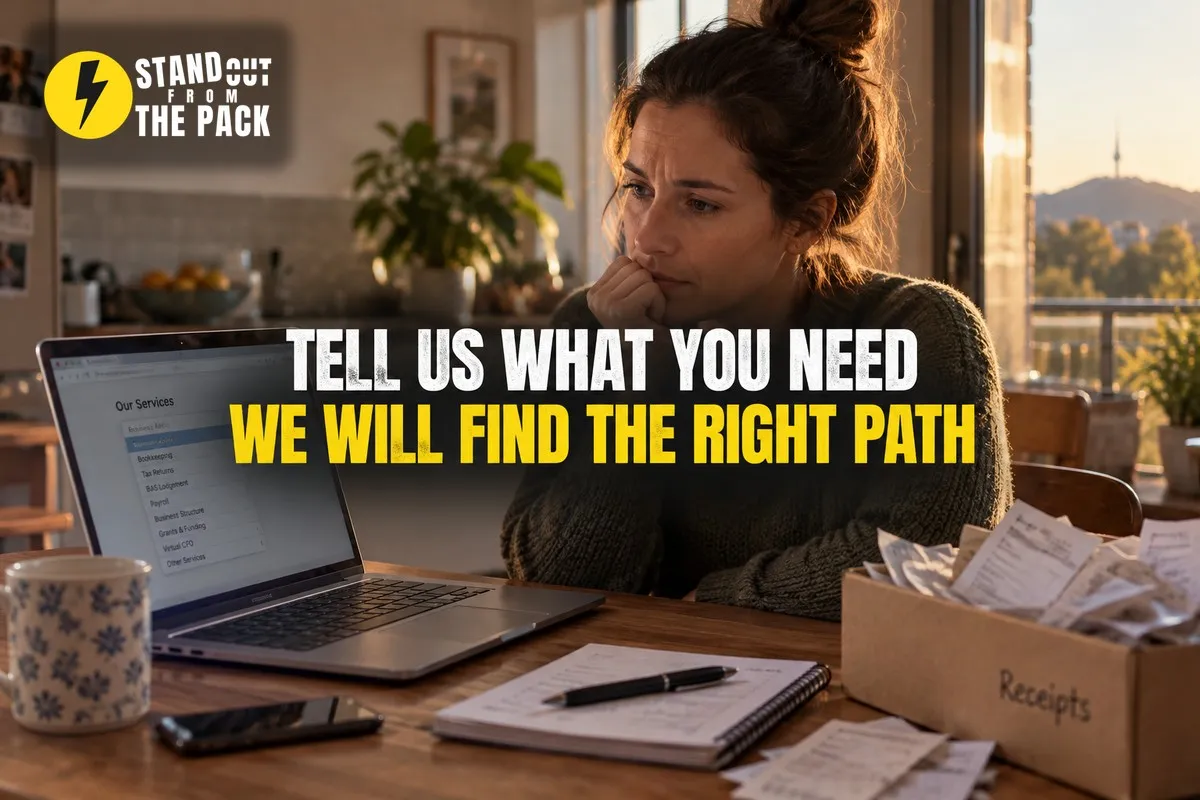
Your Customer Knows Their Problem. Why Make Them Learn Your Menu?
I keep noticing the same moment on business websites, and it happens right before a good enquiry disappears.
Picture someone who has just started a small cleaning business on the side. Six months in, it is going well, a few regular clients, an ABN, a shoebox of receipts. And she has a nagging feeling she should talk to an accountant before the end of the financial year sneaks up on her.
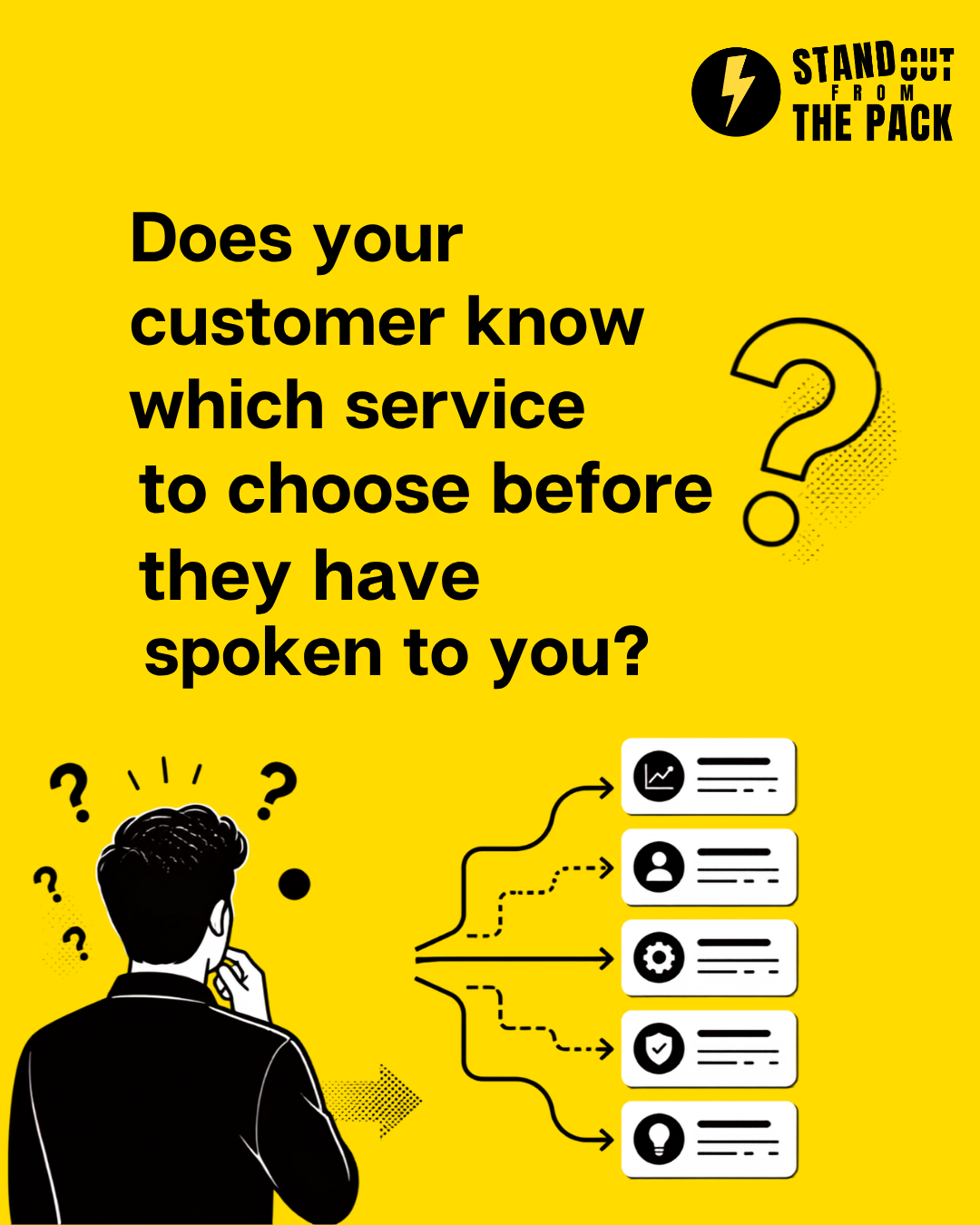
So on a Tuesday night she opens a local accounting firm's website and finds the enquiry form. First field: "Select a service". The dropdown offers Individual Tax Returns, Business Tax Returns, BAS and GST, Bookkeeping, Business Advisory, Structuring, and SMSF.
She stares at it.
Is she an individual or a business? Does she need BAS yet? What on earth is structuring, and should she be worried that she has not done it? She picks "Business Advisory" because it sounds the most like "help", hovers over the submit button, and then thinks: what if that is the expensive one? What if they ring and ask questions she cannot answer? She closes the laptop and decides to sort it out on the weekend.
The weekend comes and goes. In March, she books with whoever her sister uses.
Here is the thing. That firm was a perfect fit. They have a great package for new sole traders. She just never got far enough to find out, because the very first question asked her to understand the firm's internal structure before she was allowed to describe her problem.
Why do service menus stop good enquiries?
Because your service names make sense to you, and only to you.
Customers think in problems, not packages. Nobody wakes up thinking "I need a Tier 2 maintenance plan". They wake up thinking "the hot water is lukewarm again" or "my knee hurts when I run" or "I think I am doing my tax wrong". The menu speaks your language. The customer speaks theirs.
A wrong pick feels risky. When people are not sure which option fits, they worry about looking silly, being sent to the wrong person or getting quoted for the expensive thing. So they hesitate, and hesitation on a form is where enquiries go to die.
The menu mirrors your org chart. Departments, appointment types and packages are how the business organises work internally. For the customer, it is a test, and nobody enjoys a test before they have even said hello.
Wrong picks create internal ping pong. When someone does push through and chooses the wrong option, the enquiry lands with the wrong person, sits for a day, gets forwarded, and the customer hears back slower than if they had just rung. You lose speed on exactly the leads that needed a quick, confident reply.
And this is why the fix is not a longer list of options or a better description under each one. It is to change the first question entirely.
How do you let customers describe what they need?
The principle: the customer describes the problem, and the business takes responsibility for finding the right path. Six steps.
1. Ask about the goal, not the service. Replace "Select a service" with something like "What can we help you with?" or "What are you trying to sort out?" and give them a proper text box. Their own words tell you the problem, the urgency and the tone all at once.
2. Offer plain language prompts, if you offer any. If you want a few quick options, write them as situations, not products. "I have just started a business", "I am behind on my tax", "I want help growing", "Something else". People recognise themselves in a situation far faster than in a service name.
3. Keep the rest of the form short. Name, best contact method, and the description. That is usually enough for a first conversation. We wrote about forms that ask less and convert more recently, and the same rule applies here: every extra field is another reason to leave.
4. Route it on your side. This is the bit your customer never sees, and it is where the system earns its keep. A simple set of rules reads the answer and the situation they picked, then tags the likely service, assigns the right team member and drops the enquiry into the right pipeline stage. Words like "BAS", "GST" or "behind" go one way, "new business" or "ABN" another. Anything unclear goes to a named person to triage, so nothing sits in a no man's land inbox.
5. Confirm it reached the right person. The customer should get an instant reply that says their enquiry is with someone specific and when they can expect to hear back. "Thanks Sarah, Michelle looks after new business owners and will call you tomorrow morning." That one line turns a form into a conversation with a real person.
6. Ask focused follow-up questions, not another form. If something important is missing, the team member asks one or two specific questions by text or email. "Are you registered for GST yet?" is easy to answer. A second ten field form is not.
The thread through all six: the customer does the easy part, describing the problem, and your system does the hard part, figuring out where it goes.
What usually goes wrong?
The text box is there, but nobody reads it. Some businesses add "Tell us about your situation" and then route everything to a general inbox anyway. If the description does not influence who picks it up, you have just made the form longer.
The routing rules get too clever. You do not need to predict every possible enquiry. A handful of clear rules plus a human triage step for everything else works better than forty conditions nobody can maintain.
The confirmation is generic. "Thanks for your enquiry, we will be in touch" sounds like it was written by a filing cabinet. Name the person, give a timeframe, and keep the promise.
The "something else" pile is ignored. The enquiries that do not fit a category are often the most interesting ones. Make sure that pile has an owner and the same response time as everything else.
The team still asks the customer to start again. If the first call opens with "so, what can we do for you?", the customer feels like they wasted their time typing it all out. Read the description first, then open with "I saw you have just started a cleaning business, congratulations".
Why is this better than the alternatives?
"A detailed menu helps us prepare." It does, when people choose correctly. But a wrong choice gives you confident, misleading information, and an abandoned form gives you nothing at all. A plain description gives you the real problem, every time.
"We will just tell people to call us." Plenty of customers do not like the phone, especially the ones enquiring at 9pm after the kids are in bed. A simple form that feels like a conversation catches them while they are motivated.
"We will add a chatbot to explain the services." Between us, a chatbot that walks people through your service menu is still asking them to learn your menu. Helpful AI can absolutely sit here, but its job should be to understand the problem and hand it to the right person, not to quiz the customer on your departments.
The result is fewer abandoned enquiries, faster first replies and a better first conversation.
How does this work inside Stand Out From The Pack?
Everything above is a short form with an open question, workflows that read the answers and tag, assign and route each enquiry, pipeline stages per service, an instant confirmation message that names the team member, and one inbox where follow-up questions and replies live. Every customer on every plan has those tools from day one. The only question is who sets them up.
- Do it yourself, with support. Every plan includes onboarding for the owner and the team, a knowledge base with 50 plus interactive guides, 24/7 live chat with real people and weekly Open Office Hours (all on our support page). Bring your current enquiry form and your list of services to Office Hours and we will help you work out the routing rules, live.
- Get the foundations done for you. Our done-for-you account setup connects your phone number, email and inbox properly, so confirmations send reliably and replies reach the right person.
- Have us build it. Enquiry capture and routing is part of the lead systems in our Profit Roadmap. A single job like "rebuild our enquiry form with routing" sits on our services menu, and a multi location or multi team setup becomes a custom project.
If a customer is ready to book but cannot find a time, our piece on giving your booking page a plan B picks up exactly where this one leaves off.
What just happened behind the scenes of this article?
A short aside, because we should be living proof of this one.
Today's social post did not ask you to fill in a form or choose a category. It asked you to comment one word: LEADS. When you do, an automation picks up the comment, works out which post you reacted to, and sends you a direct message within a minute with this article. You told us what you were interested in, in the simplest way possible, and the system worked out where to send you.
If you reply to that message, the conversation lands in our inbox with your name and the topic attached, so whoever picks it up already knows what you asked about. Nobody asks you to start again. It runs in our own account on the same platform our customers use, built the way any of them could build it, or have us build it for them.
A quick check for your own business
- What is the very first question on your enquiry form?
- Could a first time customer answer it without knowing your service names?
- Who picks up an enquiry that does not fit any category, and how fast?
- Does your confirmation message name a real person and a timeframe?
- When your team calls back, do they read the customer's description first?
Frequently asked questions
Will an open text box give us messy, unhelpful answers? Sometimes, and that is fine. Even a short, messy answer tells you more than a wrong pick from a dropdown. Your team can ask one focused follow-up question to fill any gap.
How does routing work without someone reading every enquiry? Simple rules based on the situation they picked and a few keywords in their description can tag the likely service and assign the right person. Anything that does not match goes to a named person to triage, so it never sits unowned.
Should we remove our service menu from the website? No. Your services pages are still useful for people who know what they want and for search engines. The point is not to make the menu the gate that every enquiry has to pass through first.
Can AI help with this? It can help summarise a long description or suggest the likely service, and a human still decides. The goal is understanding the customer faster, not making them talk to a machine instead of your team.
Want to see how a simpler enquiry journey could work in your business? Comment LEADS on the post on Facebook or Instagram and we will take it from there.



Live, Practical, Zero Jargon
Short sessions on follow-up, systems and AI you can put to work the same afternoon. Get on the list and we'll tell you when the next one's on.
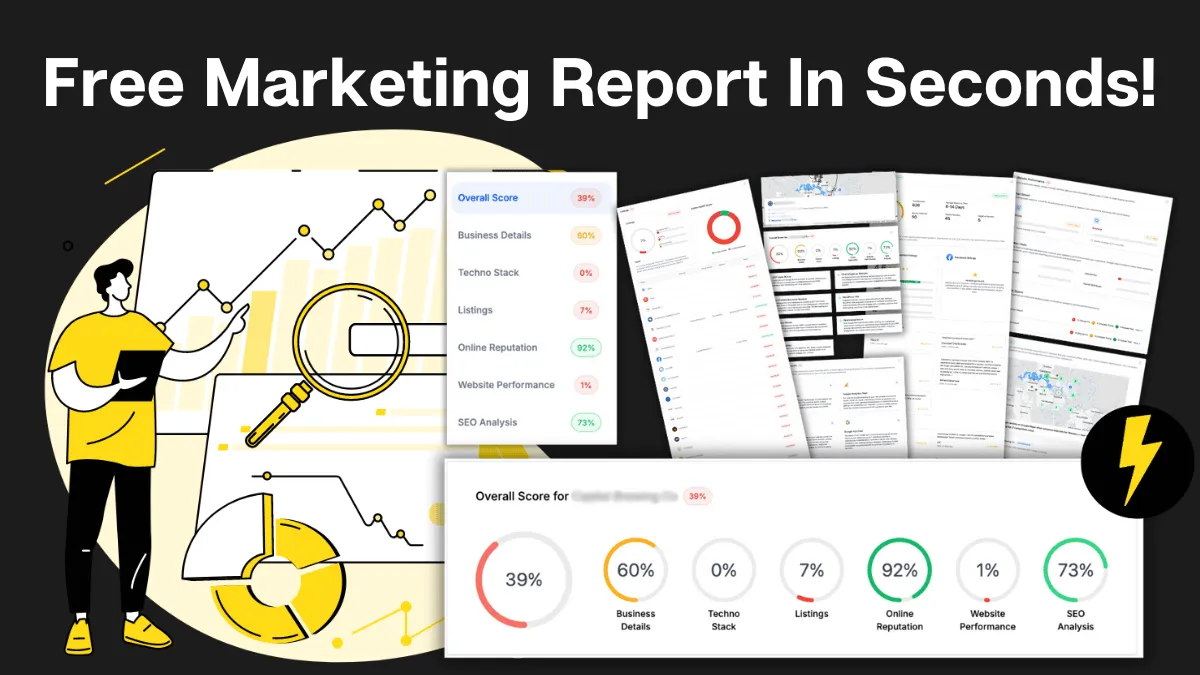
How Do You Stack Up Against the Business Down the Road?
See how you show up online next to competitors near you: reviews, listings, visibility. Free, and no homework required.

Supercharge Your Business!
Transform your business growth with our all-in-one sales and marketing software. Capture, nurture, and close more leads with ease. Don't miss out on the opportunity to streamline your operations and drive success.
See It Working Before You Talk to Anyone
Watch an enquiry get caught, answered and booked in without you glued to your phone. Your pace, no pressure.

Never miss an update from Business Booster Insights. Subscribe to our 'Level Up Newsletter' and get expert tips, strategies, and exclusive content delivered straight to your inbox. Elevate your business game today!
Your Clients Need Better Follow-Up. You Could Earn From It.
Accountants, coaches and consultants spot leaky businesses every day. Recommend the fix and earn ongoing commission.
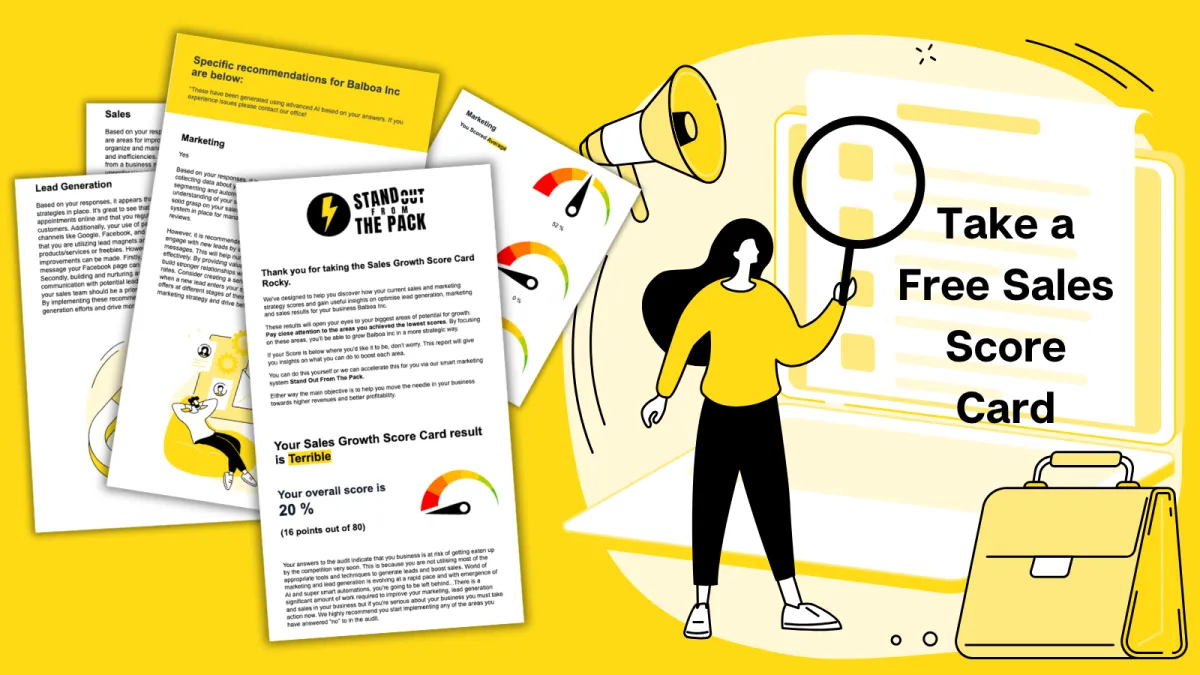
Where Are Your Enquiries Going Cold?
Answer a few quick questions and see exactly where leads slip between "just asking" and "let's book." Takes less time than your next coffee order.
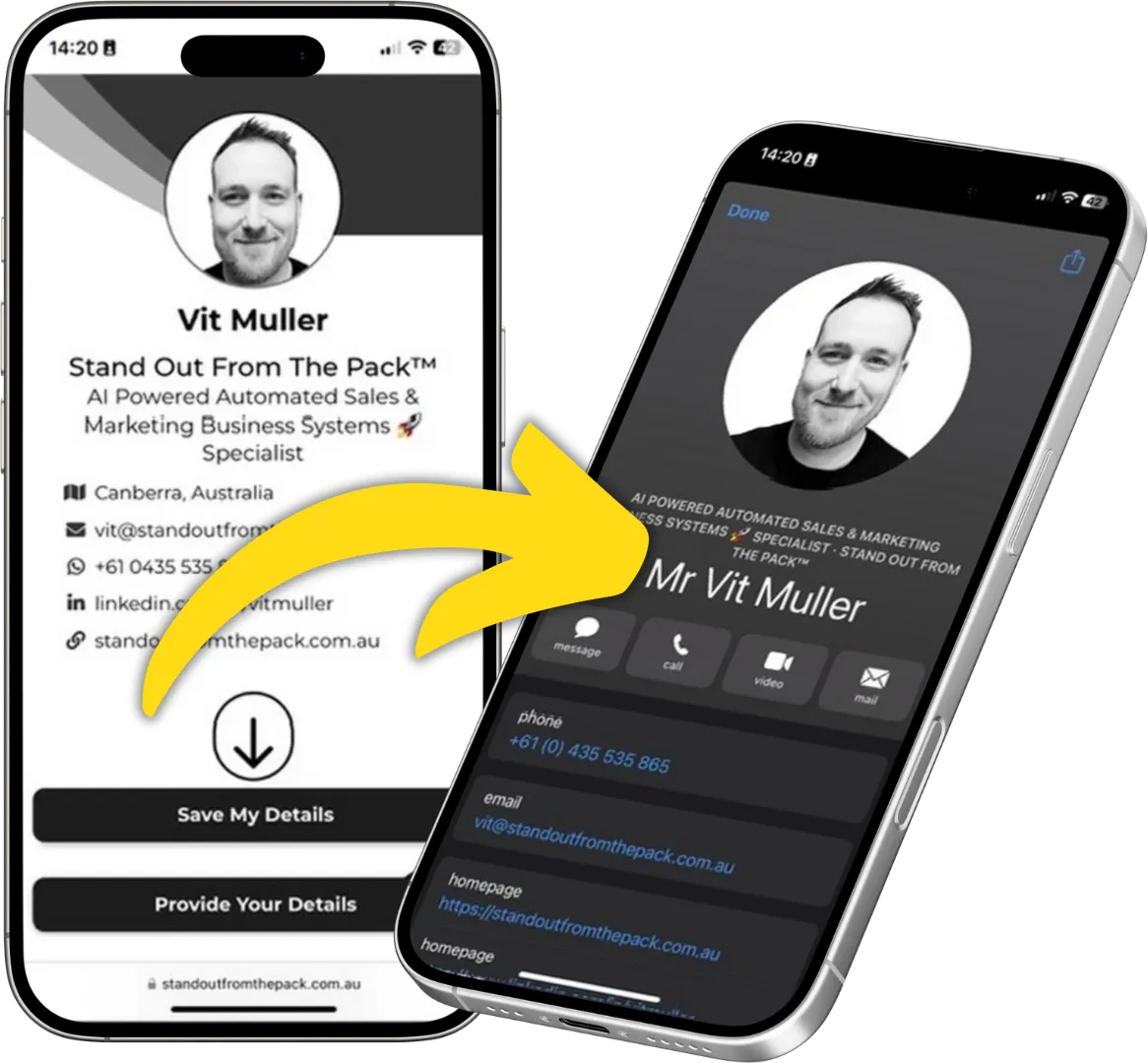
Still Handing Out Cards That End Up in the Wash?
Share your details in one tap so people can save you, call you or book you on the spot. Yours free.