



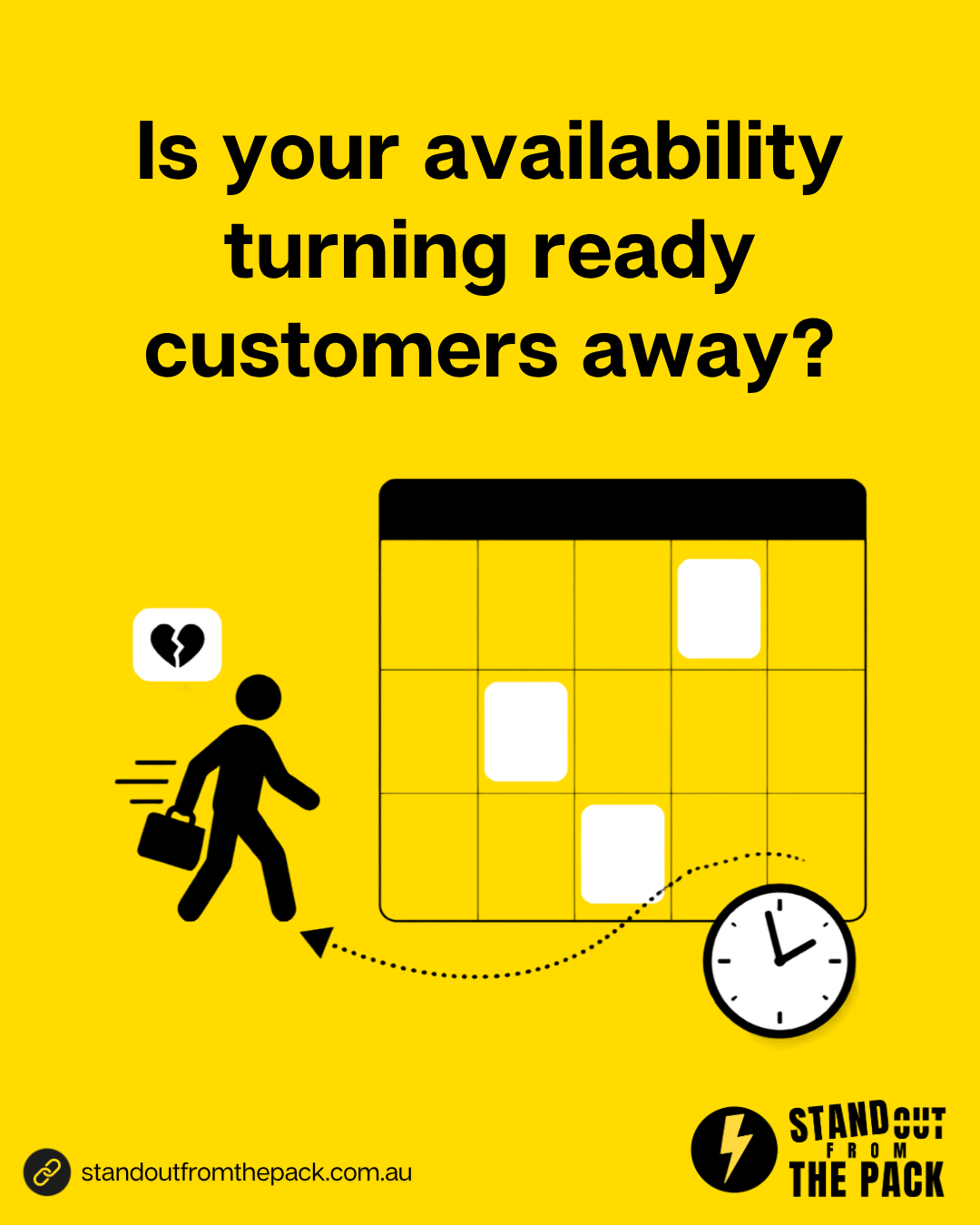
Is Your Availability Turning Ready Customers Away?
You know the feeling.
It is a Thursday night, about twenty to nine, and your lower back has been grumbling for a fortnight. You finally decide to do something about it. You find a physio clinic ten minutes from home, the reviews look great, and there is a big friendly "Book Online" button. Brilliant.
You pick "Initial consultation" and the calendar loads. The first available time is 11:15am next Tuesday. Then 2:30pm Wednesday. Then 10am the following Monday.
You work until five, and you are not quite sore enough to leave early. So you scroll forward a week, looking for a button that says "none of these work for me". There isn't one. No waitlist, no "request a time", no mention that a different physio does Saturday mornings.
So you close the tab and think "I'll sort it out on the weekend". On Saturday a different clinic pops up in your feed with a 7:30am slot on Monday, and you take it.
The first clinic will never know you existed. No enquiry, no abandoned booking, no lost lead in the pipeline. As far as their system is concerned, you never turned up.
Here is the thing. You were ready to book. You had the need, the intent and your card in your hand. The only thing standing between that clinic and a new patient was a calendar with one answer to every question: these are the times, take it or leave it.
I see this in clinics, studios, trades booking quote visits and advisers offering a first meeting. The marketing works, the booking page loads perfectly, and a ready customer walks straight out the side door because the times on the screen did not fit their life.
Why do ready customers leave a booking page without booking?
Because most booking journeys are built around the business's calendar, not the customer's week.
The calendar only has one kind of answer. Open slots, or nothing. If none of the open slots suit, the page has no second option, so the customer's only next step is to leave.
Other options exist, but they are invisible. A shorter phone consult, a team member who works Saturdays, an early start on request. If those never show up on the booking page, they might as well not exist.
Leaving costs the customer nothing. Ringing up to ask "do you have anything after five?" takes effort and a bit of courage. Closing the tab takes one tap. Guess which one wins at twenty to nine on a Thursday.
The business cannot see the loss. Someone who looks at your calendar and walks away leaves no record at all, which is exactly why this leak can survive for years.
And this is why "we just need more availability" is usually the wrong conclusion. Most businesses cannot conjure up extra hours, and they do not need to. They need the booking journey to have a plan B.
How do you build a booking journey with a plan B?
The goal is not unlimited availability. It is to make sure that when the first option does not work, an interested customer always has a clear next step that keeps them talking to you. Six pieces.
1. Find out where your times and your customers do not match. Ask the team which times callers keep asking for, and compare when enquiries arrive with when your calendar is full. You are looking for the gap, e.g. "everyone wants after work and we close at 5:30".
2. Offer alternative appointment types. Not every first conversation needs a full appointment. A fifteen minute phone or video call fits into a lunch break and gets the relationship started. For a tradie, a short video walk-through can sometimes replace the first site visit. Show these right next to the main appointment.
3. Show every team member who can help. If customers just want "a time with the business", let the calendar pull availability from everyone qualified to see them, instead of making them pick a person who is booked out until November.
4. Add a "none of these times work" option. This is the big one. A clear link directly under the calendar that says something like "Can't find a time that suits? Tell us when works and we will do our best to make it happen." A short form behind it: name, mobile, preferred days and times, and what they need help with. Four fields, not fourteen.
5. Run a waitlist for earlier times. Cancellations happen every week, and we wrote about turning those into rebookings last week. When a slot opens up, the people who said "I would take something earlier" should hear about it first. A simple text, "a 5pm spot just opened on Thursday, would you like it?", turns someone else's cancellation into your next booking.
6. Follow up the request like the hot lead it is. A preferred time request is a warm enquiry, so treat it that way. The customer gets an instant confirmation ("Thanks Sarah, we have your request for an after work appointment and we will come back to you by tomorrow lunchtime"), the team gets a task with a due time, and the request sits in your pipeline until someone has offered a real option.
Put those together and the booking page stops being a wall of times. It becomes a conversation that always has somewhere to go.
What usually goes wrong?
The "request a time" link is buried. Tiny grey text near the footer helps nobody. Put it right under the calendar, where the frustration happens.
Requests land in an inbox nobody watches. A request that waits three days for a reply is worse than no option at all, because you made a promise and broke it. Every request needs a task with an owner and a deadline.
The waitlist is a sticky note. "We will call you if something comes up" is lovely in theory. In practice, the person who wrote it down is on leave the day the cancellation comes in. The waitlist has to live in the system, so whoever is working that day can see it and act on it.
Alternatives are offered that the team cannot deliver. A plan B that keeps getting cancelled teaches customers not to trust any of your options. Make sure the roster supports it.
Nobody checks whether it is working. Track two numbers: time requests received, and how many became bookings.
Why is this better than the alternatives?
"We will just add more hours." Sometimes that is right. It is also expensive and wears out a small team quickly. Plenty of businesses discover that a waitlist and a request option close most of the gap without a single extra shift.
"If they really want us, they will call." Some will. Many will not, especially at 8:40pm on a Thursday, which is exactly when a lot of people finally get around to booking things. The customers who do not call are not less valuable. They are just less patient, and between us, that describes most of us.
"We do not want to look desperate." A clear plan B does not look desperate. It looks organised, like a business that is busy for good reasons and still wants to help. And it means your receptionist starts the morning with a list of warm people to call back, instead of nothing.
The real difference is this. Without a plan B, every mismatch between your calendar and someone's life ends the conversation. With one, the conversation just changes direction.
How does this work inside Stand Out From The Pack?
Everything above is booking calendars with more than one appointment type, team calendars that share availability, a short request form, automated confirmation messages, a waitlist with a text when a slot opens, and pipeline stages that create tasks for the team. Every customer on every plan has those tools from day one. The only question is who connects them.
- Do it yourself, with support. Every plan includes onboarding for the owner and the team, a knowledge base with 50 plus interactive guides, 24/7 live chat with real people and weekly Open Office Hours (all listed on our support page). Bring a screenshot of your booking page to Office Hours and we will help you add a plan B, live.
- Get the foundations done for you. Our done-for-you account setup puts your calendars, team members, phone number and email in place properly, so a time request or a waitlist reply actually reaches the right person.
- Have us build it. Booking journeys with alternative appointment types, waitlists and follow-up are part of the systems in our Profit Roadmap. A single job like "add a request a time option and a waitlist" sits on our services menu, and if you juggle several locations, practitioners or services, it becomes a custom project.
Whichever route suits you, your booking page stops saying "take it or leave it" to people ready to say yes.
If you are tightening up the front end of your lead journey, our recent piece on whether your enquiry form is asking too much, too soon makes a good companion read. Same principle, different screen: remove the reasons a ready customer has to walk away.
What just happened behind the scenes of this article?
A short aside, because we should be the proof of what we preach.
Today's social post asked you to comment LEADS. When you do, an automation picks up your comment and sends you a direct message within a minute with this article. You did not have to find a booking page, fill in a form or wait until we were in the office. You raised your hand in the place you already were, at whatever time suited you, and the conversation started.
That is the plan B idea in miniature: a way in that works on their timing, with the team picking it up properly from there. It runs in our own account on the same platform our customers use, built the way any of them could build it, or have us build it for them.
A quick check for your own business
- Open your booking page on your phone at 8pm. What happens if none of the times suit you?
- Which times do customers ask for most that you cannot currently offer?
- Do you offer a shorter or remote first appointment, and can people see it on the booking page?
- Where does your waitlist live, and who sees it when a cancellation comes in?
- How many preferred time requests did you receive last month, and how many became bookings?
Frequently asked questions
Will a "request a time" option just create more admin? A little, and it is the good kind. Each request is a warm lead who already wants to book, and with an automatic confirmation and a task for the team it takes a couple of minutes to handle.
How should a waitlist work in practice? People who want an earlier time are tagged. When a slot opens, they get a short text and the first to reply takes it. Take people off the list once booked.
What if we genuinely have no capacity? Then the request option is even more valuable, because it shows exactly how much demand you are turning away, and at which times, before you decide on extra hours.
Want to see what a booking journey with a plan B could look like for your business? Comment LEADS on the post on Facebook or Instagram and we will take it from there.




Live, Practical, Zero Jargon
Short sessions on follow-up, systems and AI you can put to work the same afternoon. Get on the list and we'll tell you when the next one's on.
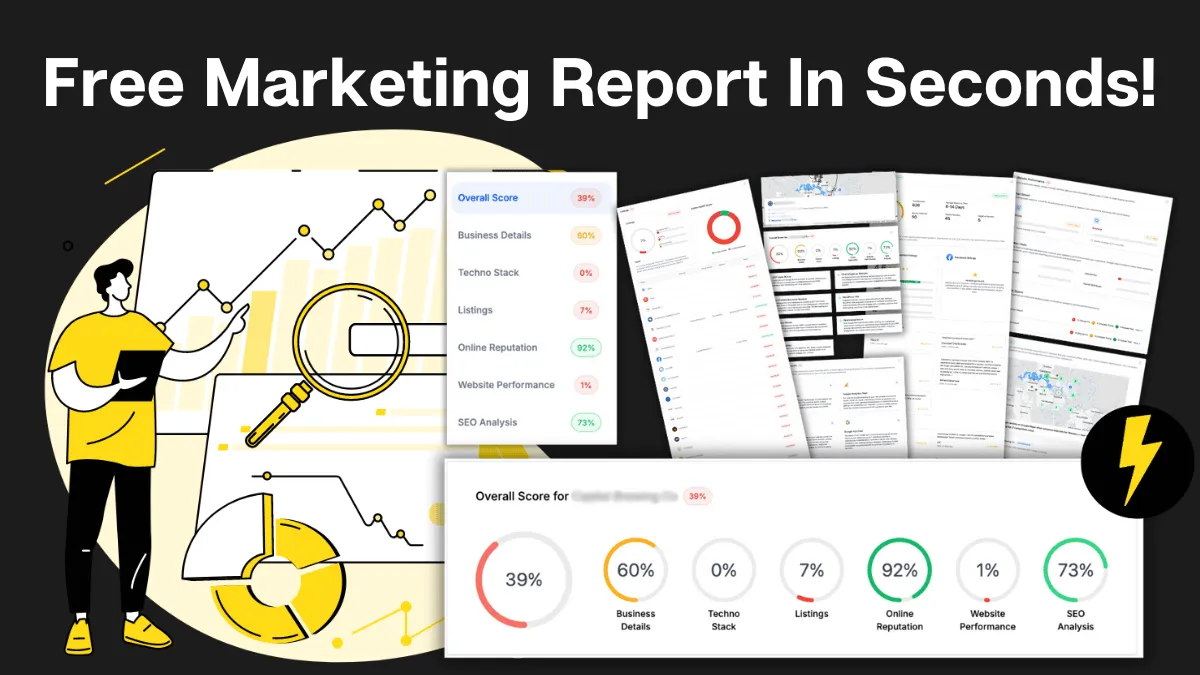
How Do You Stack Up Against the Business Down the Road?
See how you show up online next to competitors near you: reviews, listings, visibility. Free, and no homework required.

Supercharge Your Business!
Transform your business growth with our all-in-one sales and marketing software. Capture, nurture, and close more leads with ease. Don't miss out on the opportunity to streamline your operations and drive success.

See It Working Before You Talk to Anyone
Watch an enquiry get caught, answered and booked in without you glued to your phone. Your pace, no pressure.

Never miss an update from Business Booster Insights. Subscribe to our 'Level Up Newsletter' and get expert tips, strategies, and exclusive content delivered straight to your inbox. Elevate your business game today!

Your Clients Need Better Follow-Up. You Could Earn From It.
Accountants, coaches and consultants spot leaky businesses every day. Recommend the fix and earn ongoing commission.
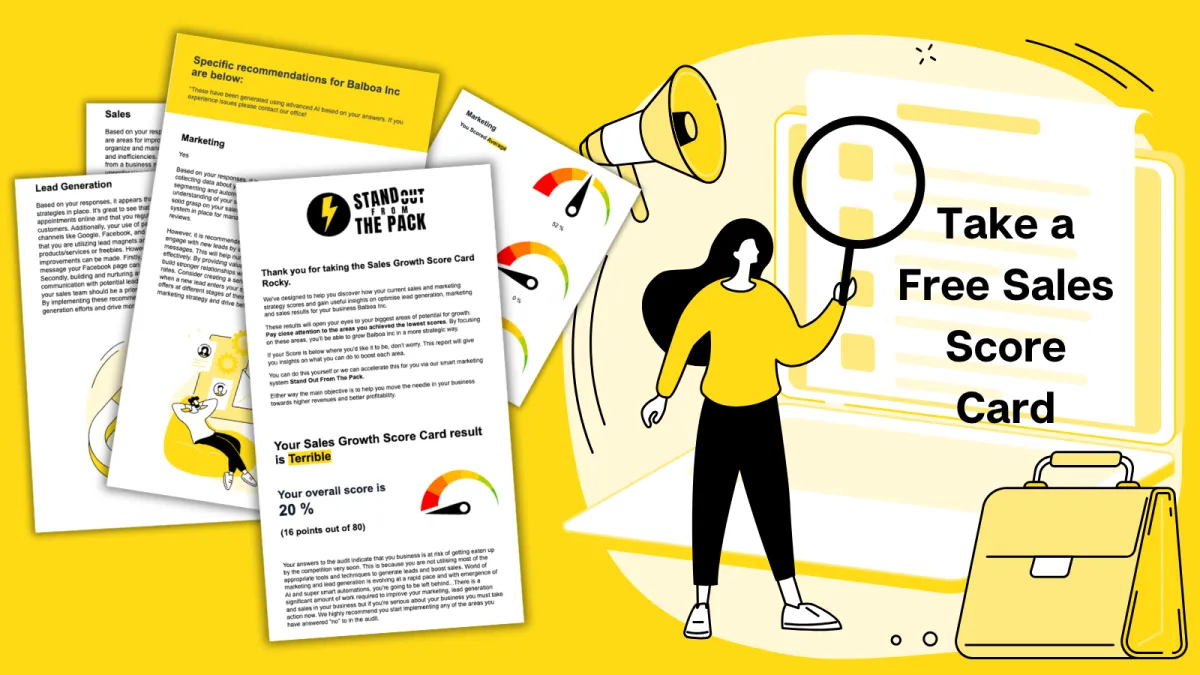
Where Are Your Enquiries Going Cold?
Answer a few quick questions and see exactly where leads slip between "just asking" and "let's book." Takes less time than your next coffee order.
Still Handing Out Cards That End Up in the Wash?
Share your details in one tap so people can save you, call you or book you on the spot. Yours free.