



You Think the Job Is Done. Does Your Customer?
I keep noticing the same quiet mismatch at the end of projects. The business ticks "complete". The customer is still waiting.
Picture a small accounting practice helping a café owner move her books onto a proper cloud system. Over six weeks they migrate two years of records, connect the bank feeds, set up payroll for her eight staff and tidy up the chart of accounts. Good work, done carefully. On Friday the last reconciliation balances, the accountant moves the job to "Complete" and sends the final invoice. Lovely.
Meanwhile, at the café, the owner is waiting for three things. The training session she was told about in the first meeting. A login for her part-time bookkeeper. And some idea of what she is supposed to do each month now, because the old spreadsheet is gone and she is not entirely sure what replaced it.
The invoice arrives before any of those. So she pays it, slightly annoyed, and sends an email that starts with "Just wondering..".
Nobody did anything wrong, exactly. The accountant delivered everything in the scope. The café owner remembered a conversation that never made it into the scope. Two people, one project, two completely different definitions of "done".
And here is the thing. The way a project ends is the part the customer remembers most clearly. It is also the part most businesses spend the least time designing.
Why does "complete" mean different things to each side?
Because "complete" is usually defined by the person doing the work, and experienced by the person receiving it.
Your team measures the work. The customer measures the outcome. For the team, done means the tasks are finished. For the customer, done means they can actually use what they paid for, without ringing you to ask how.
Promises drift from the scope. In the first meeting, everyone is enthusiastic. "And of course we will show you how it all works." That line is sincere, and it rarely gets written down. Six weeks later, it is the first thing the customer remembers and the last thing the team remembers.
The final stage is the least defined. Most businesses have a clear process for starting a job: proposal, deposit, kickoff. The ending is often just "finish the work, send the invoice". Everything that should happen between those two things depends on whoever is running the job.
Customers do not like to chase. So instead of asking straight away, they wait, wonder, and form an opinion. By the time they send the "just wondering" email, a little bit of goodwill has already leaked out.
And this is why completion problems show up as vague dissatisfaction rather than complaints. Nothing went wrong. It just did not feel finished.
How do you design a clear ending?
Treat the end of the project as its own stage, with its own checklist, rather than the moment after the last task. Six steps.
1. Define "complete" at the start, in writing. In the proposal or welcome message, list what the final stage includes. The handover documents, the access details, any training, the support period. If it is not included, say that too. This one paragraph prevents most of the confusion later, because both sides are working from the same picture.
2. Build a completion checklist for each type of job. Not just "finish the work". Final documents sent, logins handed over, training booked, warranty or support details shared, the customer's questions answered. The checklist lives in your system as a set of tasks that appear when the job reaches its final stage, so it does not depend on memory.
3. Send a simple completion summary. One short message or document: what was done, where everything lives, what the customer should do next and who to contact. For the café owner, that might be five lines and a link to a two minute "your monthly routine" guide. It does not need to be pretty. It needs to be clear.
4. Ask the customer to confirm they have everything. Before you close the job, ask one question. "Is there anything you were expecting from us that you have not received yet?" It feels risky to ask, because they might say yes. That is exactly the point. Better to hear it now than in a review.
5. Explain what support looks like from here. Is there a support period? Is ongoing help included, or is it a separate service? How do they ask a question in three months' time? Customers relax enormously when they know what happens after the project, even if the answer is "anything new is a quote".
6. Close the job on their confirmation, then send the invoice. The order matters. When the final invoice arrives after the customer has said "yes, I have everything", it feels like a natural ending. When it arrives first, it feels like you have moved on and they have not.
The thread through all six: the project is not complete when the work is done. It is complete when both sides agree it is done.
What usually goes wrong?
The checklist only exists in one person's head. Your best project manager closes jobs beautifully. Everyone else closes them differently. Write it down once and let the system bring it up every time.
The summary turns into a forty page manual. If the handover document needs its own handover, it will not get read. Keep the summary short and link to detail for anyone who wants it.
Asking for feedback instead of confirmation. "How did we go?" is a different question from "Have you got everything?". Ask the confirmation question first. Feedback and review requests come after the customer feels the job is truly finished.
Promising ongoing support you do not actually offer. "Call us anytime" sounds generous until the customer rings eight times in a month. Be clear and kind about what is included and what is a separate job.
Closing the job too early in the system. If the job moves to "Complete" the moment the last task is ticked, nobody notices the outstanding training session. Add a final stage, something like "Handover", that only closes on confirmation.
Why is this better than the alternatives?
"We will answer questions as they come." You will, and you will answer the same five questions for every customer, one email at a time, usually when you are flat out. A completion summary answers them once.
"Our customers know what they bought." They know what they thought they bought. Between us, that is not always the same thing. A clear definition at the start and a confirmation at the end close that gap before it costs you a referral.
"A quick thank-you email is enough." A thank-you is lovely. It is not a handover. Gratitude without clarity still leaves the customer wondering what to do on Monday.
The payoff: fewer "just wondering" emails, invoices that get paid without friction, and customers who finish the project feeling confident rather than slightly abandoned. Those are the customers who refer you and come back. We wrote about keeping customers moving at the payment stage a few weeks ago, and a clear ending is the other bookend of that same journey.
How does this work inside Stand Out From The Pack?
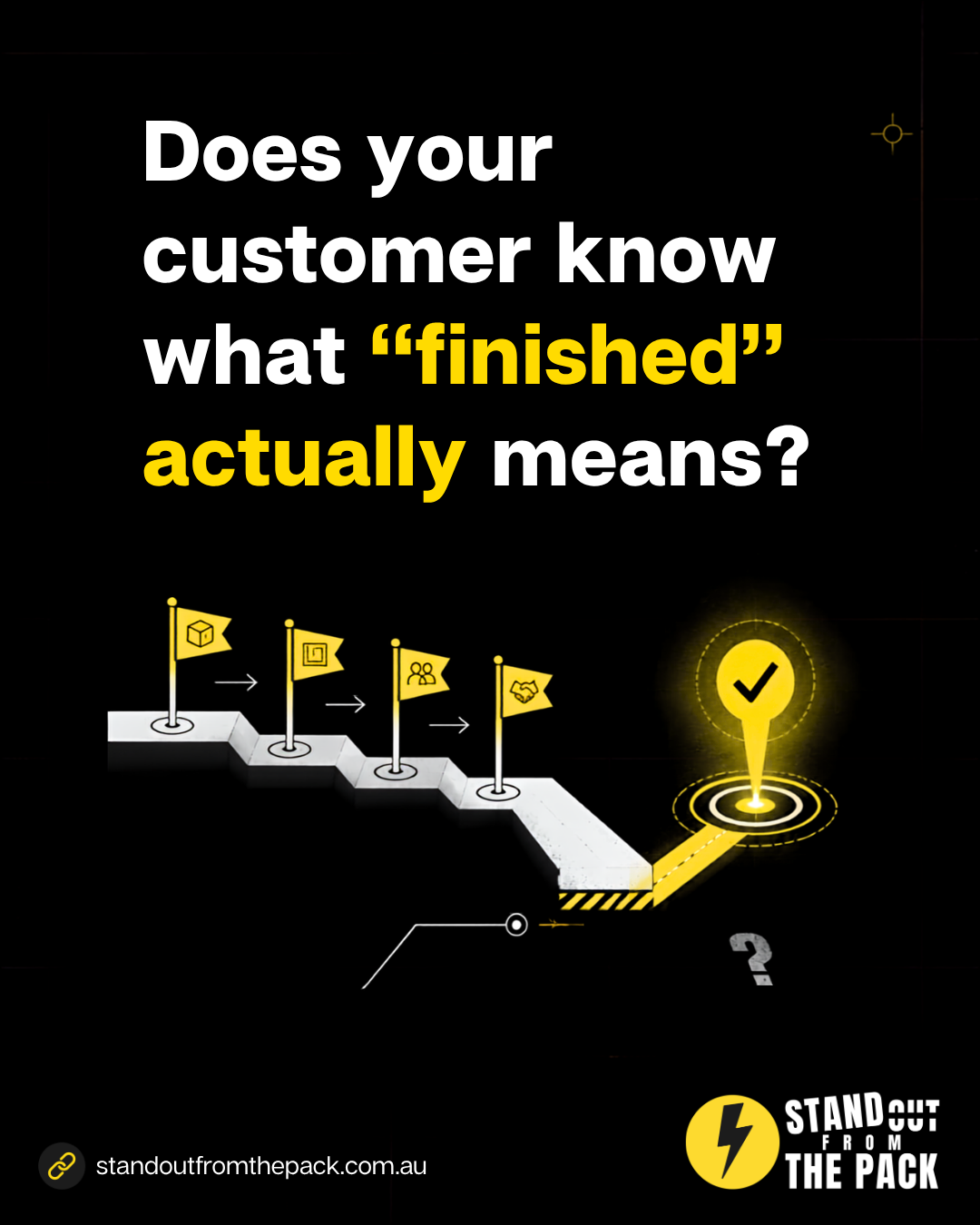
Everything above is built from a pipeline with a dedicated handover stage, tasks that appear automatically when a job reaches that stage, a message template for the completion summary, a short form or reply that asks the customer to confirm they have everything, and an automation that only sends the final invoice and review request once that confirmation comes in. Every customer on every plan has those tools from day one. The only question is who sets them up.
- Do it yourself, with support. Every plan includes onboarding for the owner and the team, a knowledge base with 50 plus interactive guides, 24/7 live chat with real people and weekly Open Office Hours (all on our support page). Bring your current "job done" process to Office Hours and we will help you map the handover stage, live.
- Get the foundations done for you. Our done-for-you account setup connects your phone number, email and inbox properly, so completion summaries and confirmations reach the customer and their replies come back to one place.
- Have us build it. Customer journey and review systems are part of our Profit Roadmap. A single job like "add a handover stage with a completion checklist" sits on our services menu, and a full delivery process across several service types becomes a custom project.
If your projects tend to stall in the middle rather than at the end, our piece on proactive updates while customers wait covers that stretch of the journey.
What just happened behind the scenes of this article?
A small confession: an article is a tiny project too, and it has its own definition of done.
Today's social post asked you to comment JOURNEY. When you did, an automation picked up the comment and, within a minute, Alfie (Vit's AI sidekick) sent you a direct message with this article. From our side, that delivery is the "handover". But it is not the end of the conversation. That message sits in our shared inbox alongside every other chat, email and text we receive, and our team works through that inbox as part of the day. Reply with a question and a person on our team reads it and writes back as soon as they can. Alfie handles the delivery; people handle the answers.
That is the whole idea in miniature: deliver the thing, make it clear what happens next, and leave the door open. It runs in our own account on the same platform our customers use, built the way any of them could build it, or have us build it for them.
A quick check for your own business
- Could you write down, in one paragraph, what "complete" includes for your most common job?
- Does every customer get a short summary of what was done and what to do next?
- Do you ask customers to confirm they have everything before you close the job?
- Is it clear to customers what support looks like after the project ends?
- Does your final invoice arrive after the customer agrees the job is done, or before?
Frequently asked questions
Is asking "do you have everything?" inviting extra work? Sometimes it uncovers a small gap, and that is far cheaper to fix now than after a bad review. If the request is genuinely outside scope, say so kindly and offer to quote it.
What should a completion summary include? What was delivered, where the customer can find important information or logins, what they should do next, and how to get help. Five to ten lines is usually enough.
How long should we wait for the customer to confirm? Give them a few business days and send one friendly reminder. If there is still no reply, close the job with a note that they can reach out any time.
Does this work for small jobs, not just big projects? Yes, just scaled down. For a one-visit service, the summary might be a single text message with what was done and what to watch for, and the confirmation is a simple reply.
Want to see how a clearer project ending could work in your business? Comment JOURNEY on the post on Facebook or Instagram and we will take it from there.



Live, Practical, Zero Jargon
Short sessions on follow-up, systems and AI you can put to work the same afternoon. Get on the list and we'll tell you when the next one's on.
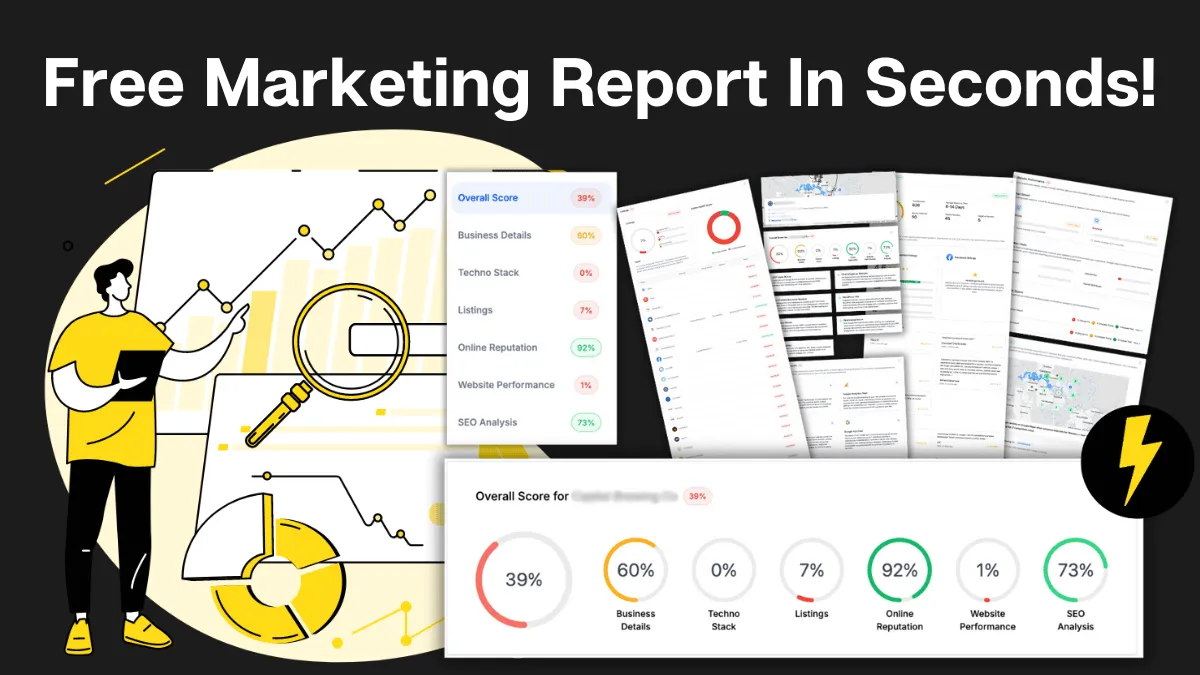
How Do You Stack Up Against the Business Down the Road?
See how you show up online next to competitors near you: reviews, listings, visibility. Free, and no homework required.

Supercharge Your Business!
Transform your business growth with our all-in-one sales and marketing software. Capture, nurture, and close more leads with ease. Don't miss out on the opportunity to streamline your operations and drive success.

See It Working Before You Talk to Anyone
Watch an enquiry get caught, answered and booked in without you glued to your phone. Your pace, no pressure.

Never miss an update from Business Booster Insights. Subscribe to our 'Level Up Newsletter' and get expert tips, strategies, and exclusive content delivered straight to your inbox. Elevate your business game today!

Your Clients Need Better Follow-Up. You Could Earn From It.
Accountants, coaches and consultants spot leaky businesses every day. Recommend the fix and earn ongoing commission.

Where Are Your Enquiries Going Cold?
Answer a few quick questions and see exactly where leads slip between "just asking" and "let's book." Takes less time than your next coffee order.
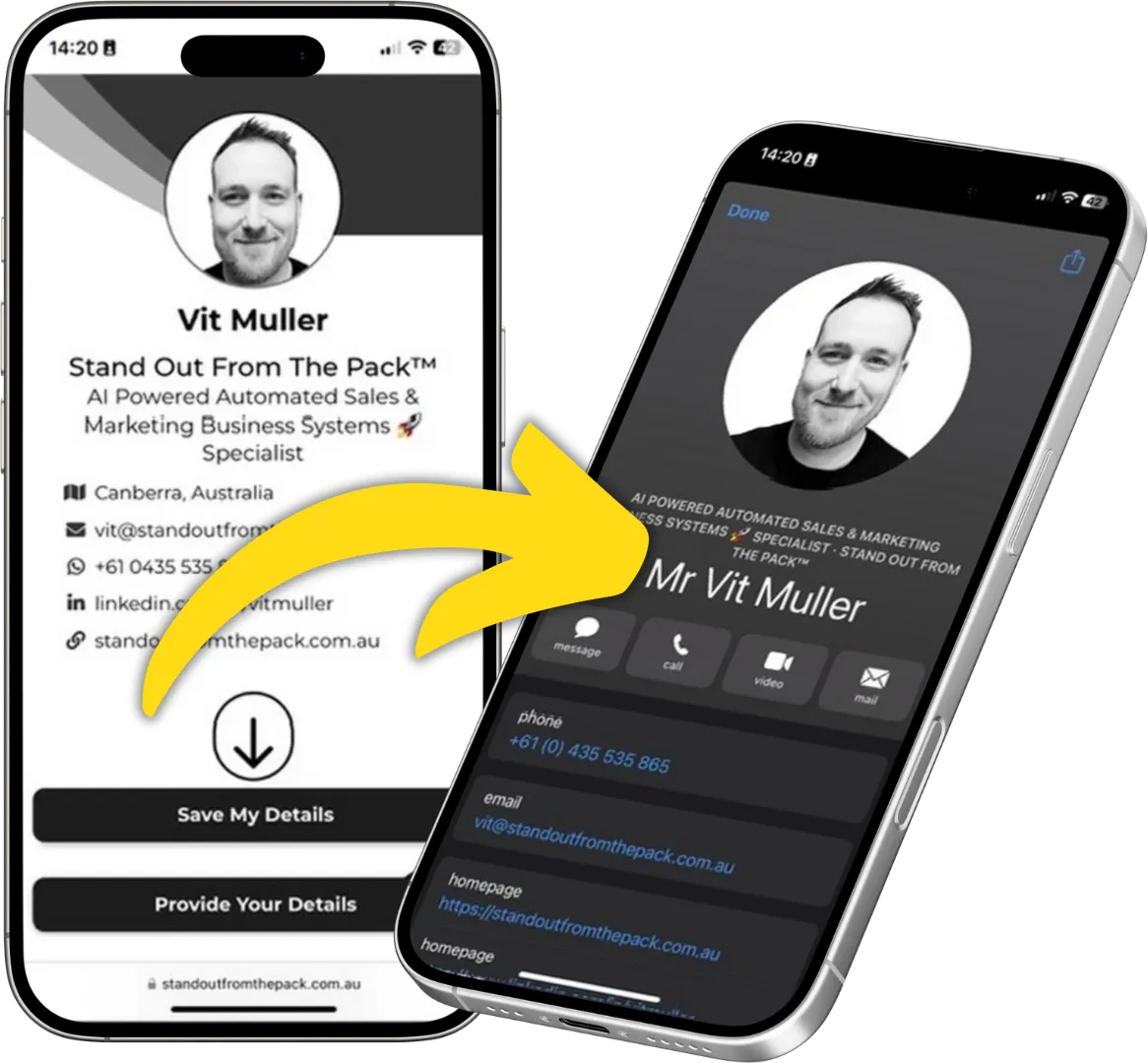
Still Handing Out Cards That End Up in the Wash?
Share your details in one tap so people can save you, call you or book you on the spot. Yours free.