


Your Website Chat Now Catches Spam Bursts Before They Cost You
Picture this. It is 2am on a Tuesday and you are fast asleep. Your website chat widget is not.
Somewhere, a bot has found it. In the space of twenty minutes it fills in the little chat form three hundred times. Three hundred new "leads", every one with a made-up name, a phone number that goes nowhere and an email address that bounces.
And here is the bit that stings. Your follow-up works exactly as you set it up. Every one of those contacts gets your lovely "Thanks for reaching out" text. Then the welcome email. Then the reminder.
You wake up to a pipeline full of rubbish, a bill for texts nobody will read, and a pile of bounced emails quietly telling the email providers your messages are not worth delivering. All because your system did its job.
This week's update to SOFTP puts a bouncer on the door.
What's New
Your website chat widget now has built-in spam protection. It watches for abnormal bursts of submissions, the tell-tale sign of a bot, and when it spots one it steps in.
The clever part is what it does not do. There is no CAPTCHA, no "click every picture with a bus in it", no extra form field, no extra step. A genuine visitor sees exactly the same chat they saw yesterday.
When a bot attack is detected, contacts captured during it are:
Still created, not deleted, so a real lead caught in the middle of a bot attack is never lost
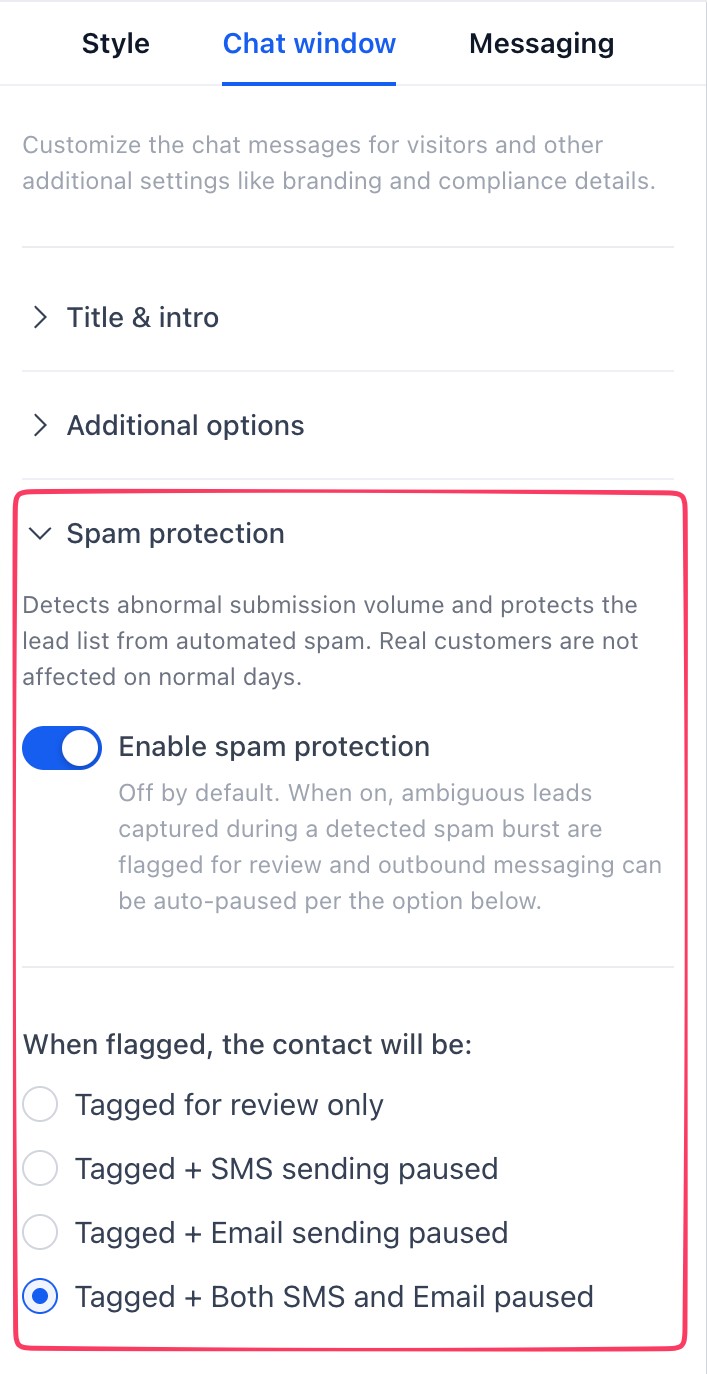
Tagged with chat_widget_high_volume_flag so you can find them in seconds
Paused for SMS, email, or both, depending on the option you choose
Logged in the contact's activity, so you can see exactly which channel was paused and why
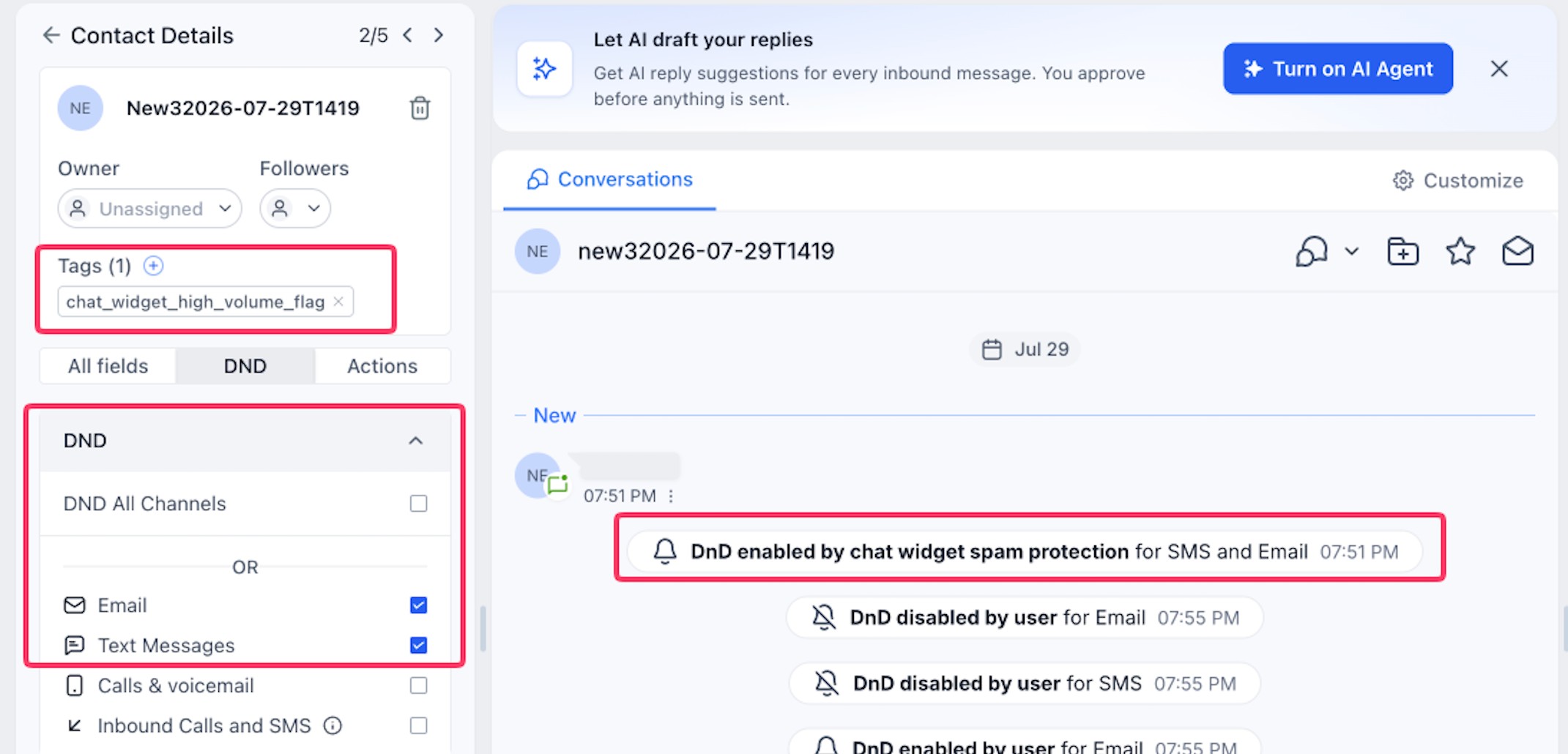
You choose one of four actions per widget: tagged for review only, tagged plus SMS paused, tagged plus email paused, or tagged plus both paused. Calls and any Do Not Disturb settings you already had stay as they were.
Who is this for?
Anyone with a chat widget on their website. That is most of you, and the better your automated follow-up, the more a bot attack costs you.
If you do not use the website chat widget at all, this one is not for you yet. It covers the chat widget only, not your forms or surveys, so keep an eye on the What's New feed for those.
Three ways this plays out in a real business
The B2B sales rep. Your chat widget feeds straight into your pipeline and every new enquiry pings your phone so you can call within five minutes. Now imagine a bot burst drops sixty fake enquiries in overnight. Buried somewhere in there is one real operations manager from a company you have been chasing for months. With spam protection on, the burst gets flagged and tagged, your follow-up texts stop firing at dead numbers, and you can filter the flagged contacts out in one click to find the one that matters.
The pest control business. Your chat widget sends an instant SMS to every new enquiry: "Thanks, one of our team will call you back within the hour." It wins you jobs your competitors are too slow to answer. But every text costs money, and a pile of failed texts to fake numbers can hurt your SMS sender reputation too. Set the widget to pause SMS on flagged contacts and the bots get nothing, while the real homeowner with a possum in the roof still gets the instant reply.
The Pilates studio. You run a free trial class offer, and every chat enquiry drops into a five-email nurture sequence that walks them towards booking. A bot attack means hundreds of emails sent to addresses that do not exist. Bounces like that chip away at your email reputation until your real trial emails land in spam. Set the widget to pause email and your sender reputation stays clean, so the people who genuinely want to try a class keep hearing from you.
How do you switch it on?
Two minutes. Maybe less.
Go to Sites, then Chat Widget.
Open the chat widget you want to protect.
In the builder, click the Chat window tab and open Spam protection.
Turn on Enable spam protection.
Under "When flagged, the contact will be", pick your action. My suggestion for most of you is Tagged + Both SMS and Email paused.
Hit Save.
Got more than one chat widget? Each one has its own setting, so repeat this for every widget you run.
A few things worth having in the back of your head:
You have to enable this on your existing chat widgets.
This is the big one. If your chat widget was set up before this update, spam protection is off by default so nothing changed on you unexpectedly. You have to turn it on. Brand new widgets come with it enabled by default.It is built for bursts, not the odd one. It looks for abnormal volume. A single spammy message on a quiet Tuesday will not necessarily be caught, and that is by design, so real customers are not affected on normal days.
Genuine leads can get caught in a burst. That is why they are tagged, not deleted. If you find a real person in there, open their contact, go to the DND tab and untick Email and Text Messages to switch their messaging back on.
Planning a big campaign? If you are expecting a genuine flood of chats from a launch or event, you can switch protection off for that widget for the day and back on afterwards.
What do you do with it once it is on?
Create a smart list in your contacts filtered by the tag chat_widget_high_volume_flag, and give it a quick look once a week. Thirty seconds, and you will know whether anyone real got caught.
If you want to know the moment it happens, build a small workflow that starts when that tag is added to a contact and sends you an internal notification.
If you want a hand with any of it, you have options, and none of them involve figuring it out alone. Search the Knowledge Base for the how-to, post your question in the Growth Insider Community where other owners are solving the same things, open a 24/7 live chat with Alfie any hour of the day, or bring your screen to the weekly Open Office Hours and we will set it up with you live. Everything in one place: standoutfromthepack.com.au/support.
Want the rest of the updates?
We feature one update a week here, the one we think is worth your time that week. Everything else that changes in your platform, big and small, lands in the What's New feed in the Help Centre.



Live, Practical, Zero Jargon
Short sessions on follow-up, systems and AI you can put to work the same afternoon. Get on the list and we'll tell you when the next one's on.
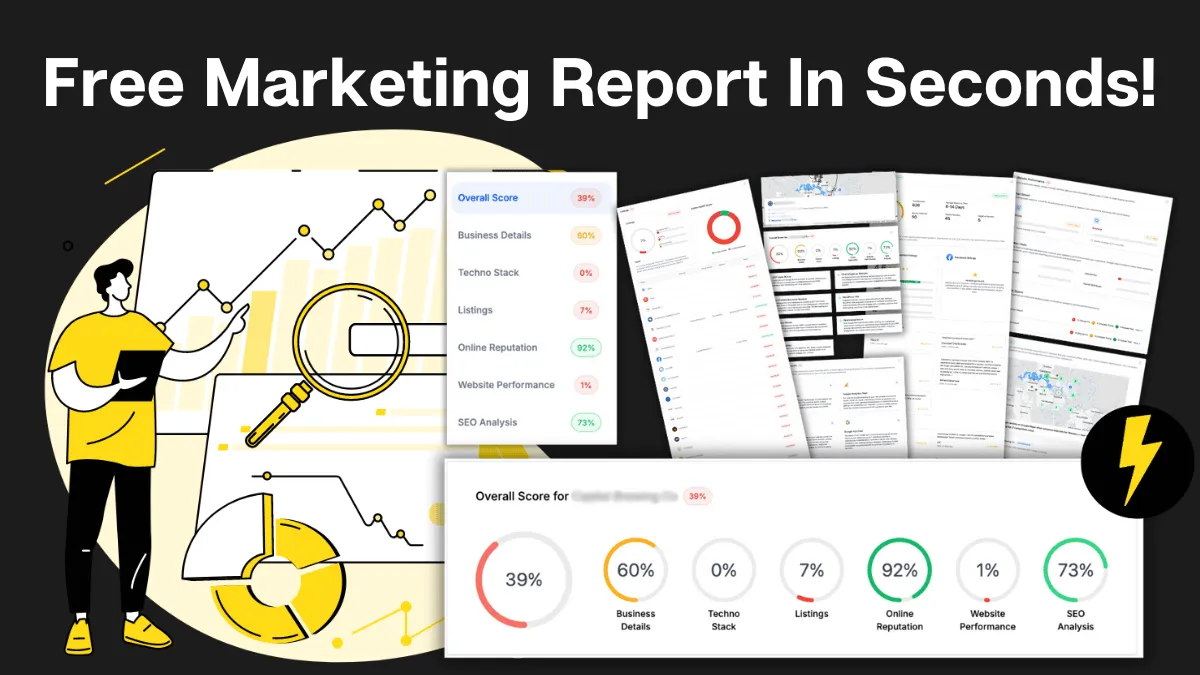
How Do You Stack Up Against the Business Down the Road?
See how you show up online next to competitors near you: reviews, listings, visibility. Free, and no homework required.

Supercharge Your Business!
Transform your business growth with our all-in-one sales and marketing software. Capture, nurture, and close more leads with ease. Don't miss out on the opportunity to streamline your operations and drive success.

See It Working Before You Talk to Anyone
Watch an enquiry get caught, answered and booked in without you glued to your phone. Your pace, no pressure.

Never miss an update from Business Booster Insights. Subscribe to our 'Level Up Newsletter' and get expert tips, strategies, and exclusive content delivered straight to your inbox. Elevate your business game today!
Your Clients Need Better Follow-Up. You Could Earn From It.
Accountants, coaches and consultants spot leaky businesses every day. Recommend the fix and earn ongoing commission.
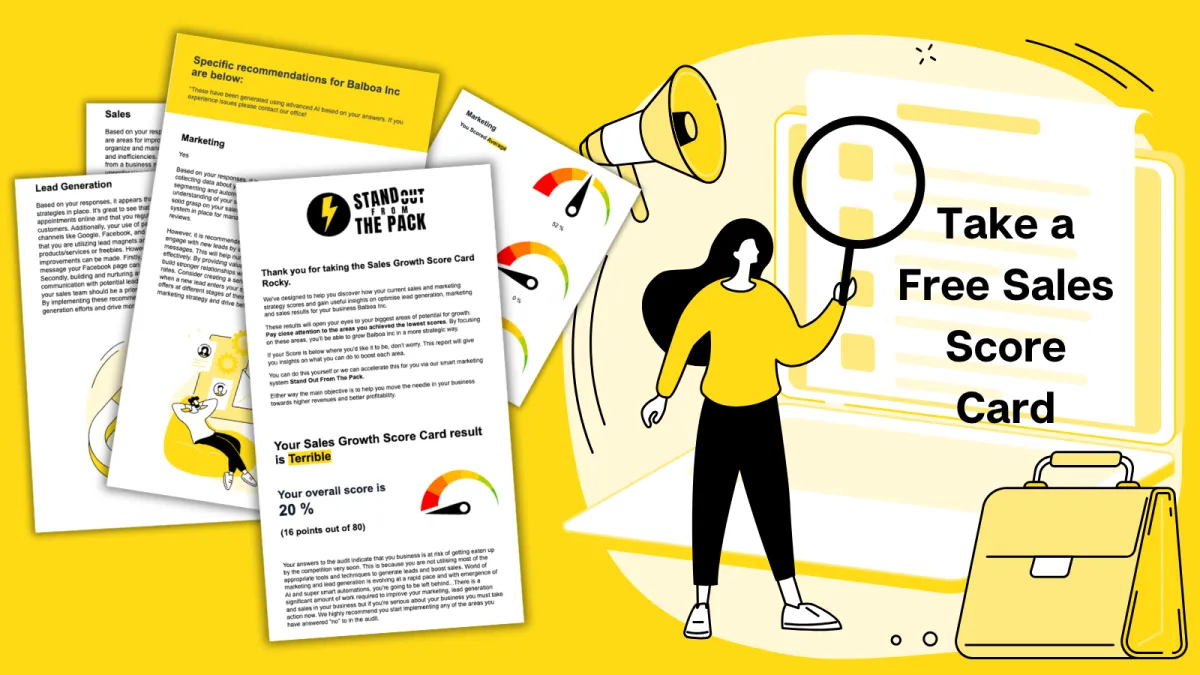
Where Are Your Enquiries Going Cold?
Answer a few quick questions and see exactly where leads slip between "just asking" and "let's book." Takes less time than your next coffee order.
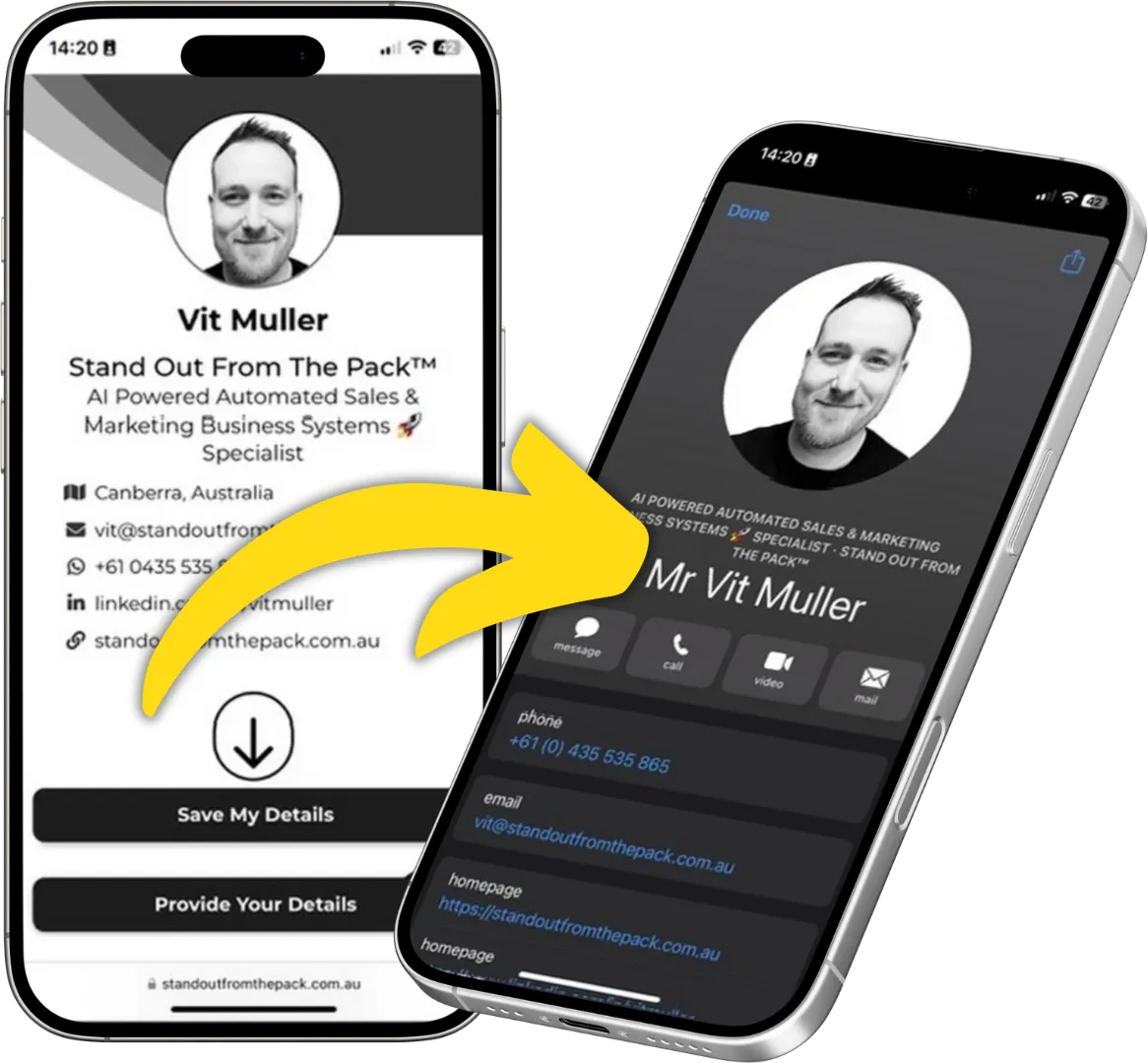
Still Handing Out Cards That End Up in the Wash?
Share your details in one tap so people can save you, call you or book you on the spot. Yours free.